2).Display
CONTRAST
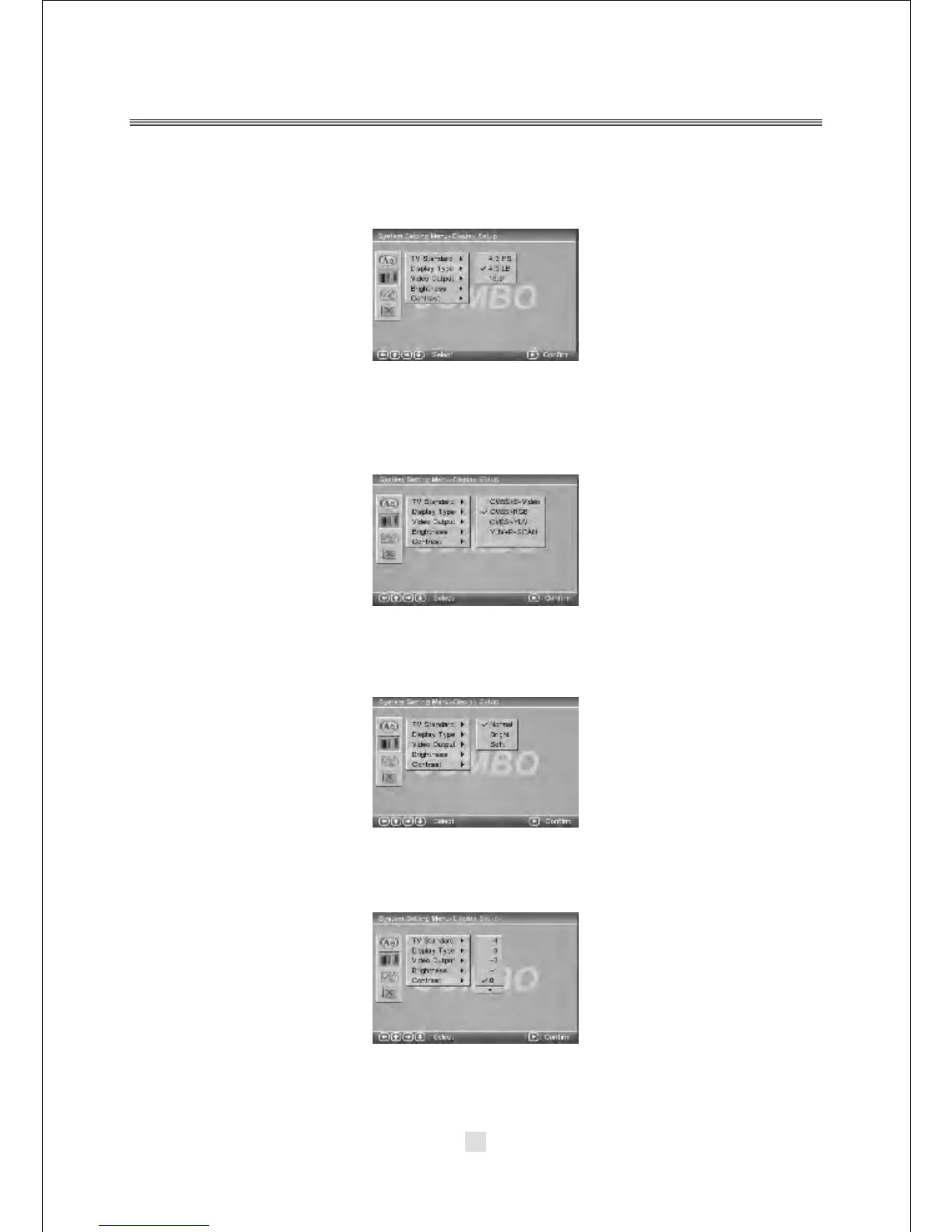
Use the <UP> and <DOWN> arrow buttons to move the scroll and adjust the contrast.
TYPE
According to the Display type, you can choose 4:3PS,4:3LB or 16:9 .
3).VIDEO OUTPUT
According to the output jack of TV set, you can choose CVBS+S-VIDEO,
CVBS+RGB , CVBS+YUV, YUV+ P-SCAN.
4).BRIGHTNESS
According to the Brightness, you can choose Normal, Bright or soft .
5).
28



 To Next Page