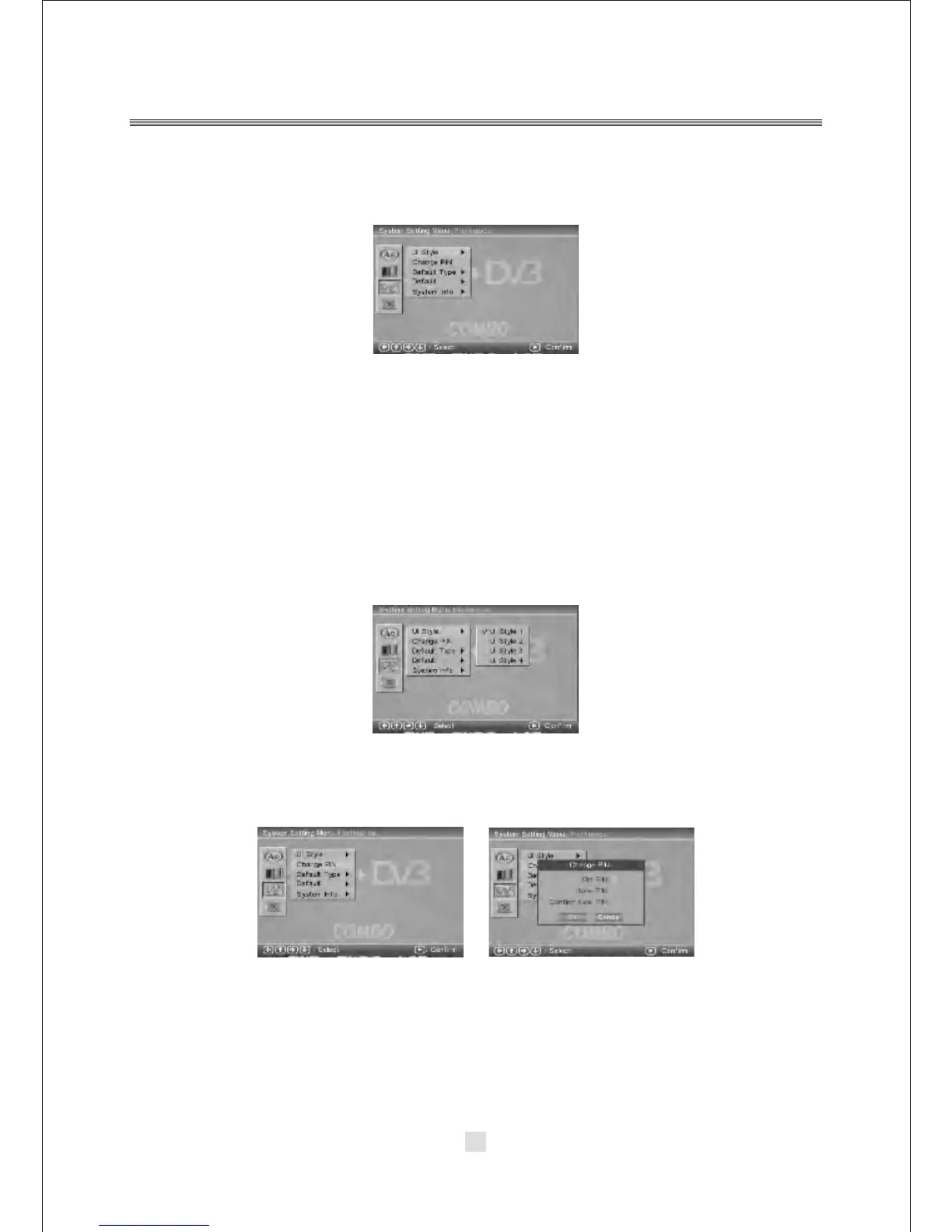
C. System setting Menu-Preference
Press the Down arrow button to highlight the Preference option on the screen
In the System Setting Menu-Preference Setup, you can setup the UI Style, Change
PIN, Default Type, and Default options. Press the <UP>, <DOWN> and <LEFT>,
<RIGHT> arrow buttons to highlight the icon of the desired page, then press the
<DOWN> or <RIGHT> arrow button to activate that page. For example, if you want
to setup the Default setup, press Down button to highlight the Default Option,
the Default setup page will be displayed on the screen.
1). UI Style
According to UI Style, you can choose Style1,Style2,Style3,Style4.
2). Change PIN
The default password is 6666.
29



 To Next Page