30
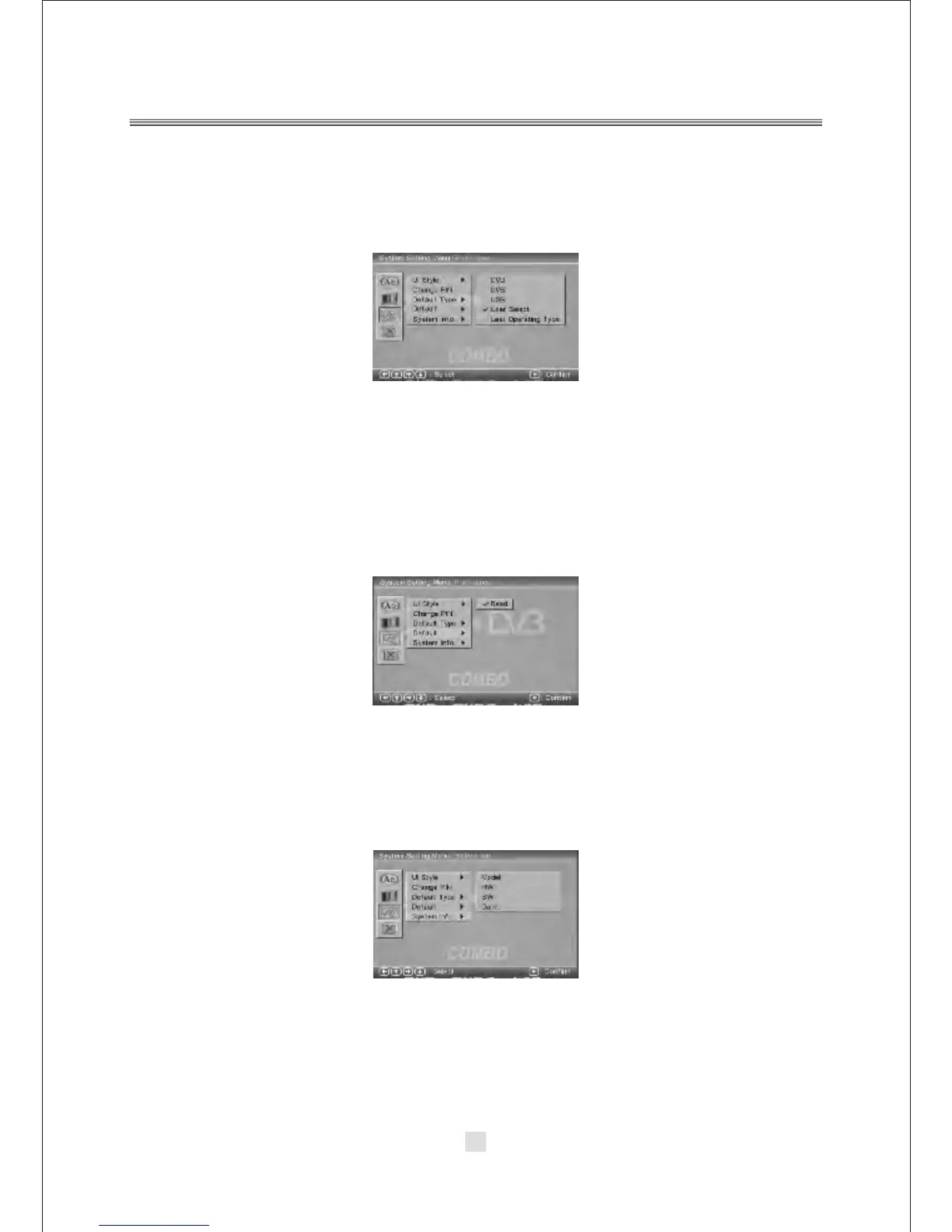
3). Default Type
In the Default Type options, you can choose the DVD MODE, DVB MODE, USB
MODE, User Select MODE, Last operation Type MODE.
NOTE: In the Default Type, If you choose the DVB MODE. That next power on the
PLAYER will direct enter DVB MODE, no again display the SOURCE list.
4). Default
The Default setup options are RESTORE factory setup, Let your PLAYER work on
the default state.
5). System Info
The system info includes model, HW, SW and Date.



 To Next Page