3. Game options
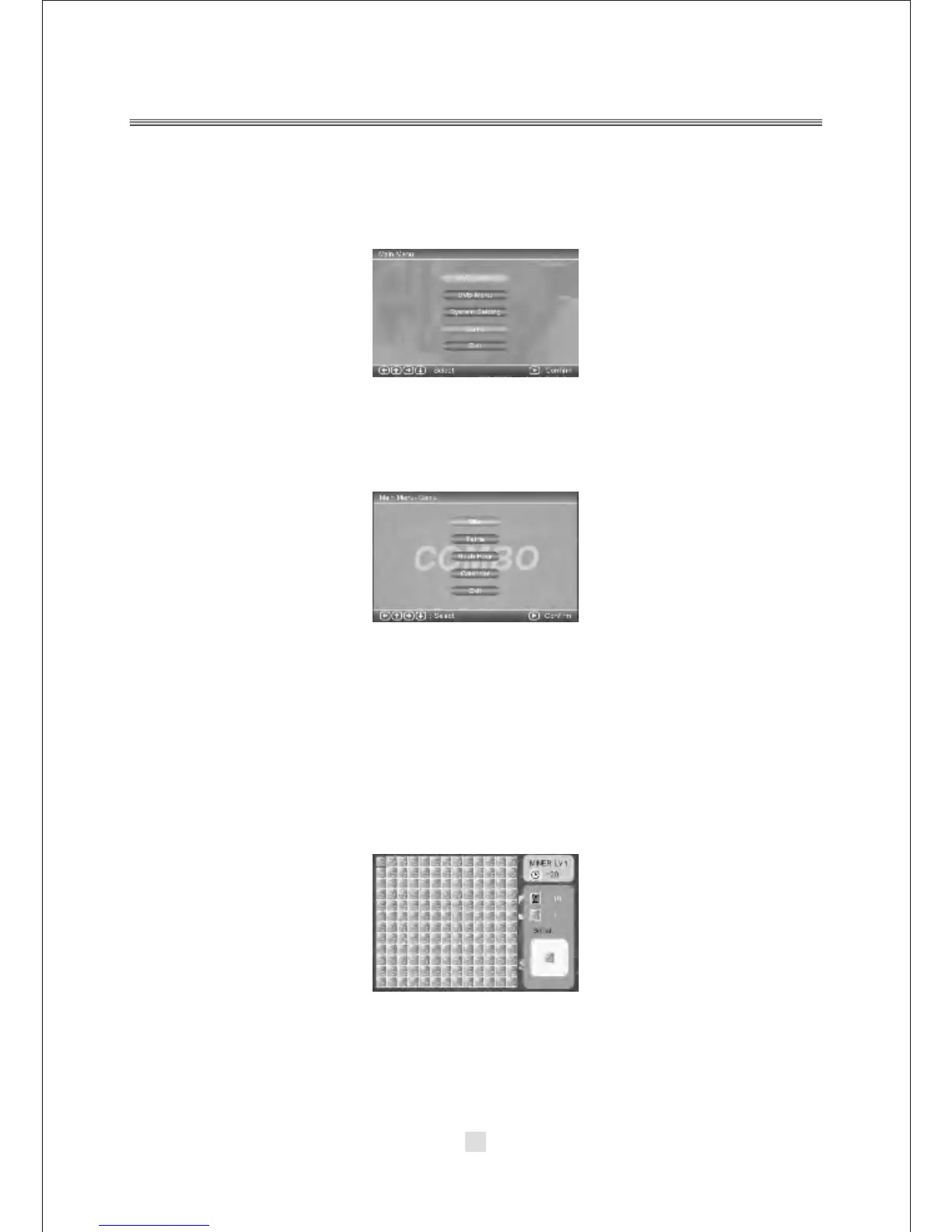
Press the <SETUP> button, the DVD main setup menu appears the screen, then
press the <DOWN> button to highlight the Game option.
A. Press the <UP> and <DOWN> button move on the DVD setup and press <ENTER>
button to confirm the Main Menu-Game option, appear the screen.
In the Main Menu-Game Setup, you can setup the Mine, Tetris, Rush Hour,
Calendar four kinds of games. For example:
31
If you want to play the Mine Game, you can press the <DOWN> button to highlight
the Mine options. Then press the <ENTER> button to enter. As below:
Other Game options operation same to the Mine Game.



 To Next Page