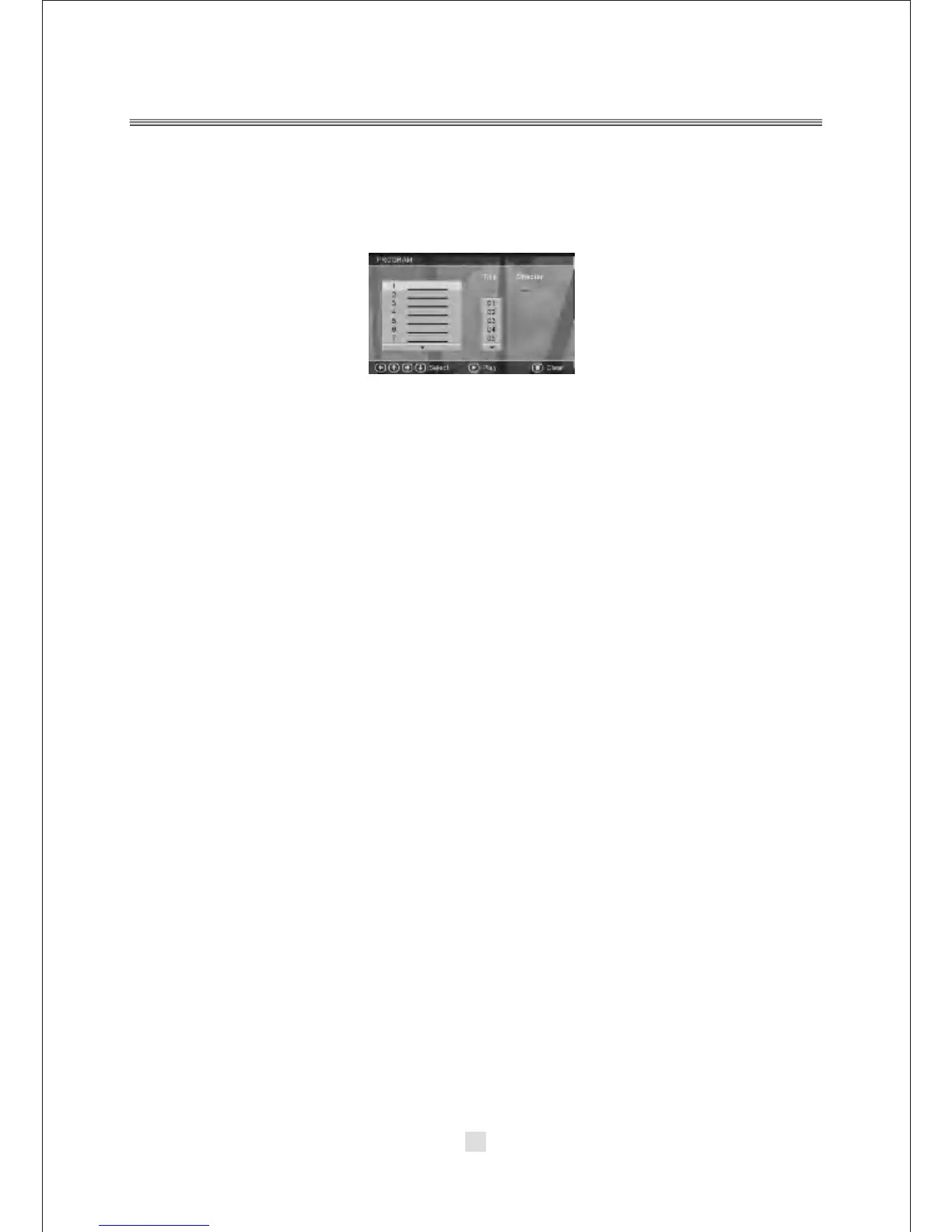
35.PROGRAM
In DVD mode , Press the <PROGRAM> button to display the PROGRAM options.
As below:
NOTE: The <PROGRAM> button has no effect in DVB mode.
36. LANGUAGE
In DVD mode, pressing <LANGUAGE> will change between different Audio
languages, if playing DVD or AVI media. This button has no effect for VCD/CD/MP3/
WMA/JPG media. In DVB mode, use this button to select different languages on the
current channel.
37.REPEAT
In DVD mode, press <REPEAT> to select repeat mode. Press multiple
times to cycle between Title Repeat, Chapter Repeat, and Repeat Off.
38. A-B
Repeat Segment In DVD mode, press <A-B> once to set the starting point for repeat
segment. Press it again to set an end point, and the player will repeat the segment
from the start to end point. Press it once more to turn off repeat segment.
NOTE: The <A-B> button has no effect in DVB mode.
20



 To Next Page