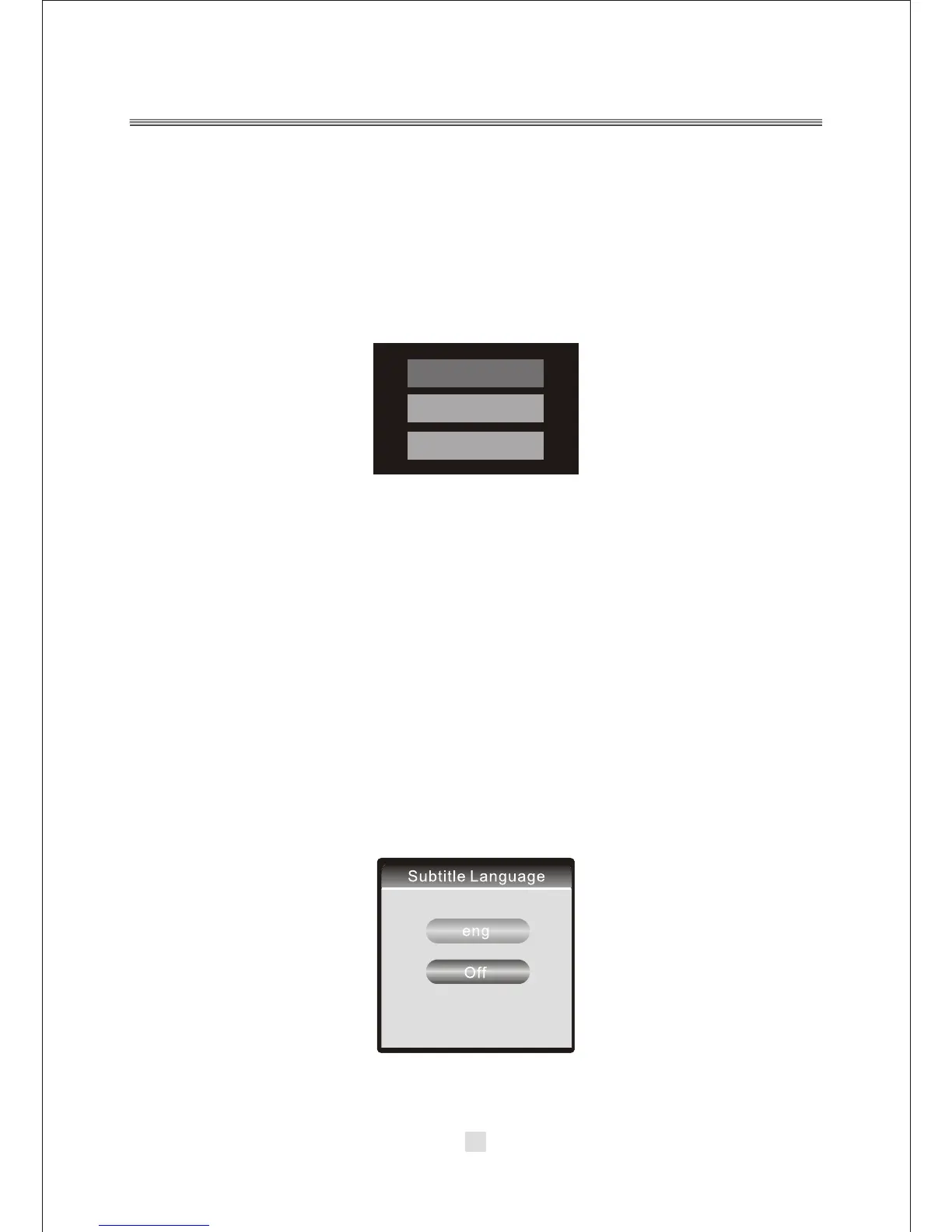
DVD-ROM Drive
DVB
USB
29. UP/DOWN/LEFT/RIGHT
Used to navigate menus. When not in a menu, there are also DVB specific uses for
each button. In the DVB mode, Pressing <UP>/<DOWN> button will go the next/
previous channel, in the list of all channels.
30. SOURCE
P ress the< SOURCE> button to switch between DVD, DVB and USB operation.
As below:
31. REV
In DVD mode, press <REV> to enter Fast-Reverse playback. Press the same button
again to increase speed, from X2 to X4 to X8 to X16 to X32.
NOTE: The <REV> button has no effect in DVB mode.
32. FW D
In DVD mode,press<FWD>to enter fast forward playback.
Press this key again to increase speed from X2 to X4 to X8 to X16 to X32.
NOTE: The <FWD> button has no effect in DVB mode.
33. PBC
In DVD mode, it is PBC.
NOTE: The <PBC> button has no effect in DVB mode.
34. SUBTITLE
In DVD mode, press <SUBTITLE> button to display subtitle.
NOTE: In the DVD mode ,This <SUBTITLE> button has effect in the special DVD
disc. In the DVB mode, Press <SUBTITLE> button to display the language options.
As below:
19



 To Next Page