17
18. ZOOM
Press <ZOOM> multiple times to enlarge (X1, X2, 4X) the display, in that order.
The OSD will display the current zoom mode. In ZOOM mode, you can press <UP>,
<DOWN>and <LEFT>, <RIGHT> button to move the pictures station.
19. P/N
Press the <P/N> button to switch between PAL and NTSC TV output formats.
Formats are NTSC ,PAL, and AUTO.
20. L/R
Press <L/R> to select between Left, Right audio channels. This button has no effect
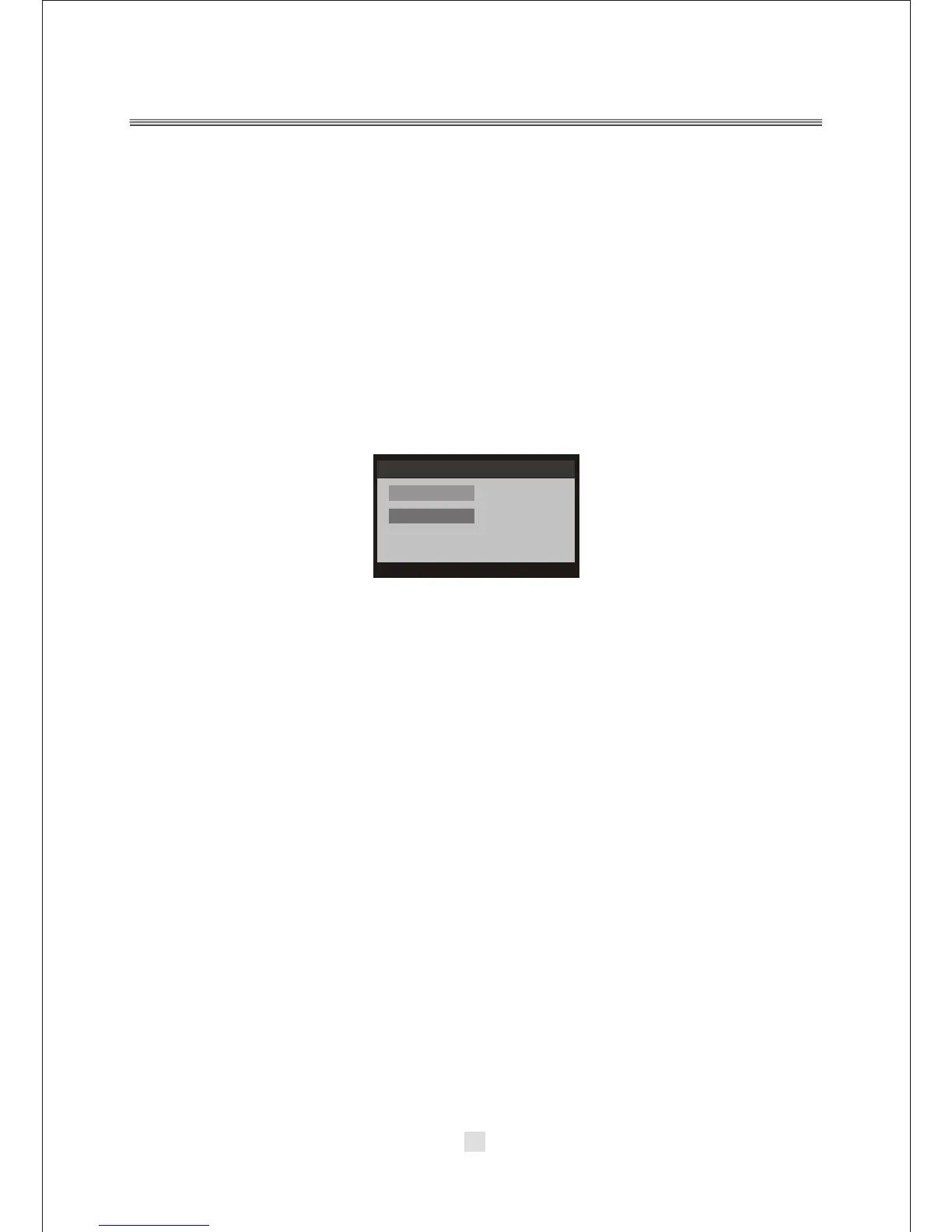
when playing a DVD disc. In DVB mode, Press the <L/R> button to display the Audio
channel. In the Audio channel options, you can press the NAVIGATION ARROWS to
choose the RR, LR, LL mode. As below:
21.SLOW
In DVD mode, press <SLOW > button to enter slow playback, and cycle between
different speeds. The possible speeds are ,1/2, 1/4, 1/8, 1/16, 1/32, and normal.
NOTE: The <SLOW> button has no effect in DVB mode.
22. ANGLE
In DVD mode, pressing <ANGLE> will change the view angle, on DVD that support
this feature. NOTE: In the DVD mode ,This <ANGLE> button has effect in the
special DVD disc . NOTE: The <ANGLE> button has no effect in DVB mode.
23. OPEN/CLOSE
In DVD mode, press <OPEN/CLOSE> to immediately eject or close the disc tray.
NOTE: The <OPEN/CLOSE> button has no effect in DVB mode.
24.Number
In DVD mode, press a number key a select a title or track. The number keys are also
used for inputting a password. To select a track from 0 to 9, directly press a key from
<0> to <9>. In order to select a track 10 or greater, first press <10+>. For DVB mode,
use <0> to <9> to directly input a two digit channel number. The <10+> key has no
effect in this mode.
Audio Channel
Channel
Sound Mode
eng
LR
Audio PID:102



 To Next Page