1).TV Program
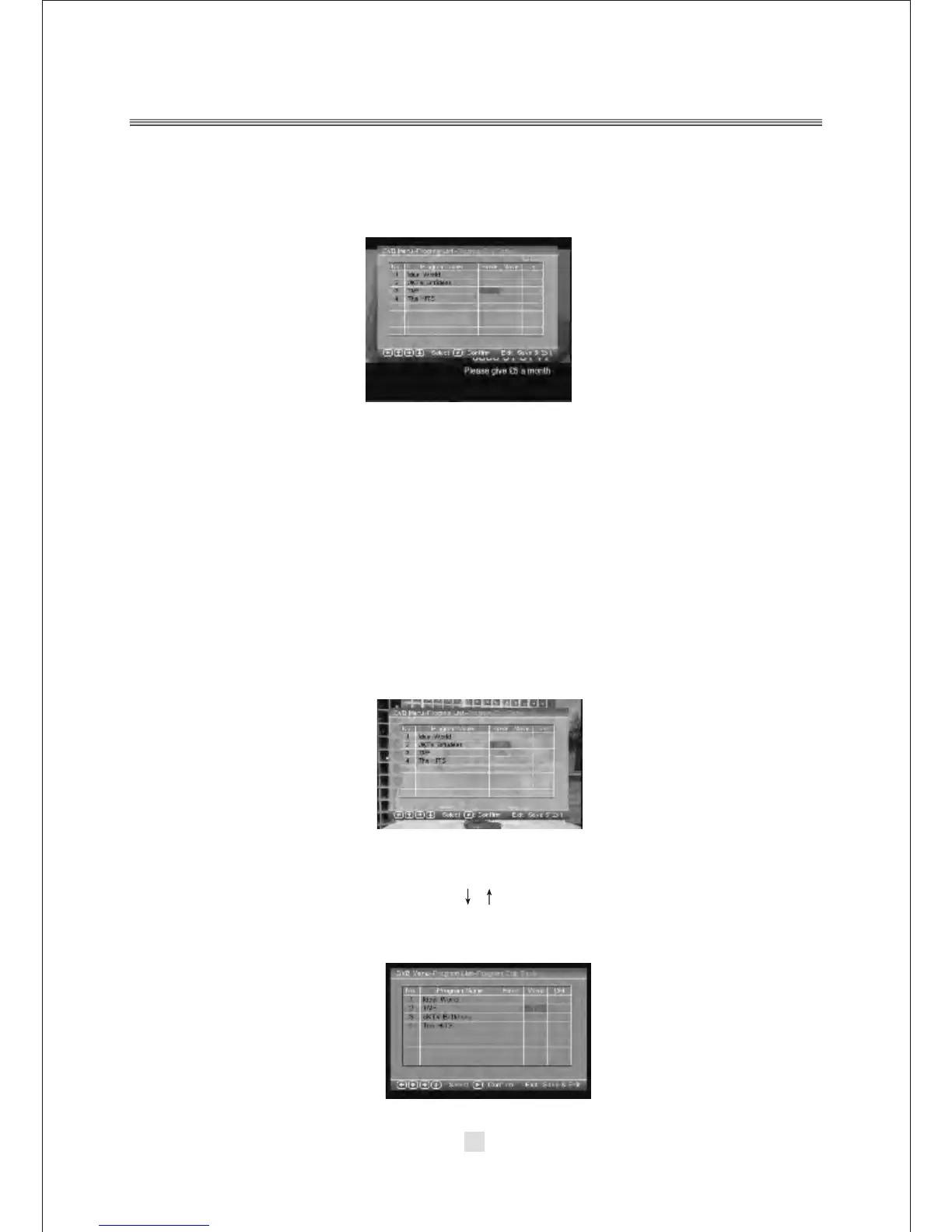
Press the <RIGHT> button to highlight the TV Program, Then press the <ENTER>
button to enter the TV program options, appear the screen.
All active channels are listed in the Program List, allowing you to make your own
favorite channel group, move, delete channels.
Creating Favorite Channel Groups
This feature allows you to group your favorite channels. To create your favorite
groups:
a. Select the channel which you would like to add to the group and go to the Favor
column.
b. When the Favor column of the desired channel is highlighted, one red heart
symbol will appear after press the <ENTER> button. Pressing the <ENTER>
button again will un-select the channel of the favorite group.
C. Once your favorite group is created, you can press the <FAVORITE> keys to
quickly access your favorite channels.
Moving a Channel
a. Select the channel which you like to move and go to the Move column.
b. Press <ENTER> button and a symbol will be displayed.
c. Use the <UP / DOWN> key to move the channel to a desired position.
d. Press <ENTER> button again will be exit the moving channel mode.
36



 To Next Page