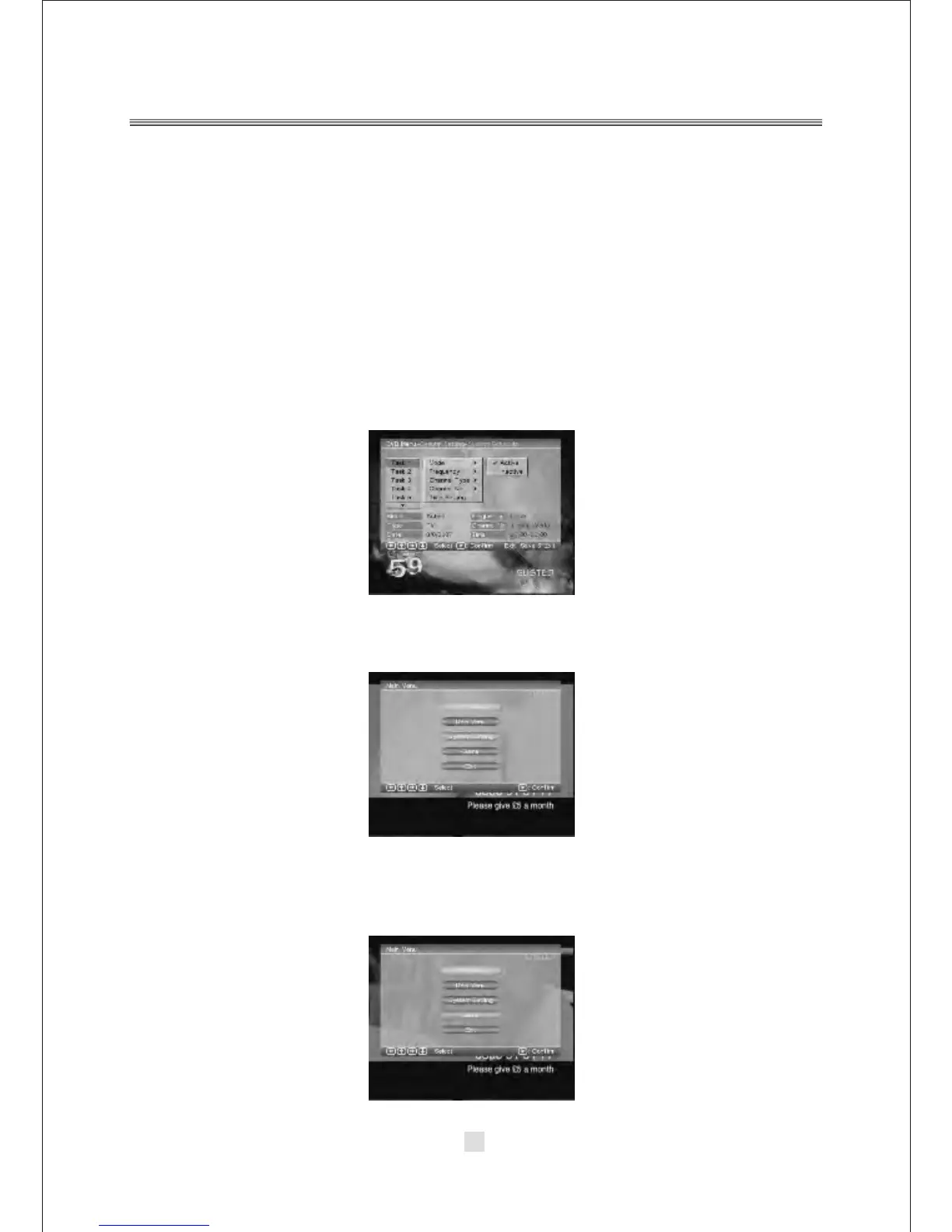
This feature allows the receiver to automatically switch on and tune to a
pre-specified channel for a pre-set length of time. Up to10 tasks can be scheduled.
a. In the Schedule pane, use the <UP / DOWN> key to select a task and use <RIGHT
/ LEFT > key to switch between Inactive and Active.
b. Press <ENTER> to enter the detail page.
c. Enter the following settings as required. Use the <UP / DOWN> key to move
between setting items, the <RIGHT / LEFT> key to switch between available
selections and numeric keys to enter numeric value. Mode: You can repeat the task
by setting the frequency as Once, Daily or Weekly. Or you can select Stop to
disable the task. Start and End Time: Enter the start and end time that
automatically turns on and off the receiver. Channel Type: Select TV or radio
channel as required. Channel No: Select the channel to be played at scheduled
time.
d. When the setting is done, press <SETUP> or <RETURN> to save the changes.
2. DVB System Setting
In the DVB mode, the DVB System Setting options setup same as the In DVD mode.
Refer to the System Setting of DVD mode.
3. DVB Game
In the DVB mode, the DVB Game options setup same as the In DVD mode. Refer to
of the Game of DVD mode.
42



 To Next Page