-4-
3 Menu operating instructions
To switch the device on, set key ON/OFF in ON position. Then, press the key OK/Pause for some
seconds. Once logo SUNSTECH appears on display, if the device is connected to the power, charge icon
will appear. To operate with this device, press ESC key.
3.1 TV
In main menu, press direction key to select TV,
press menu key to enter TV menu, if there has
program, it will enter playing interface, press
CH+/- key to switch to other program, press
VOL+/- to adjust volume, keep pressing
volume for 2 sec., Mute key will be activated.
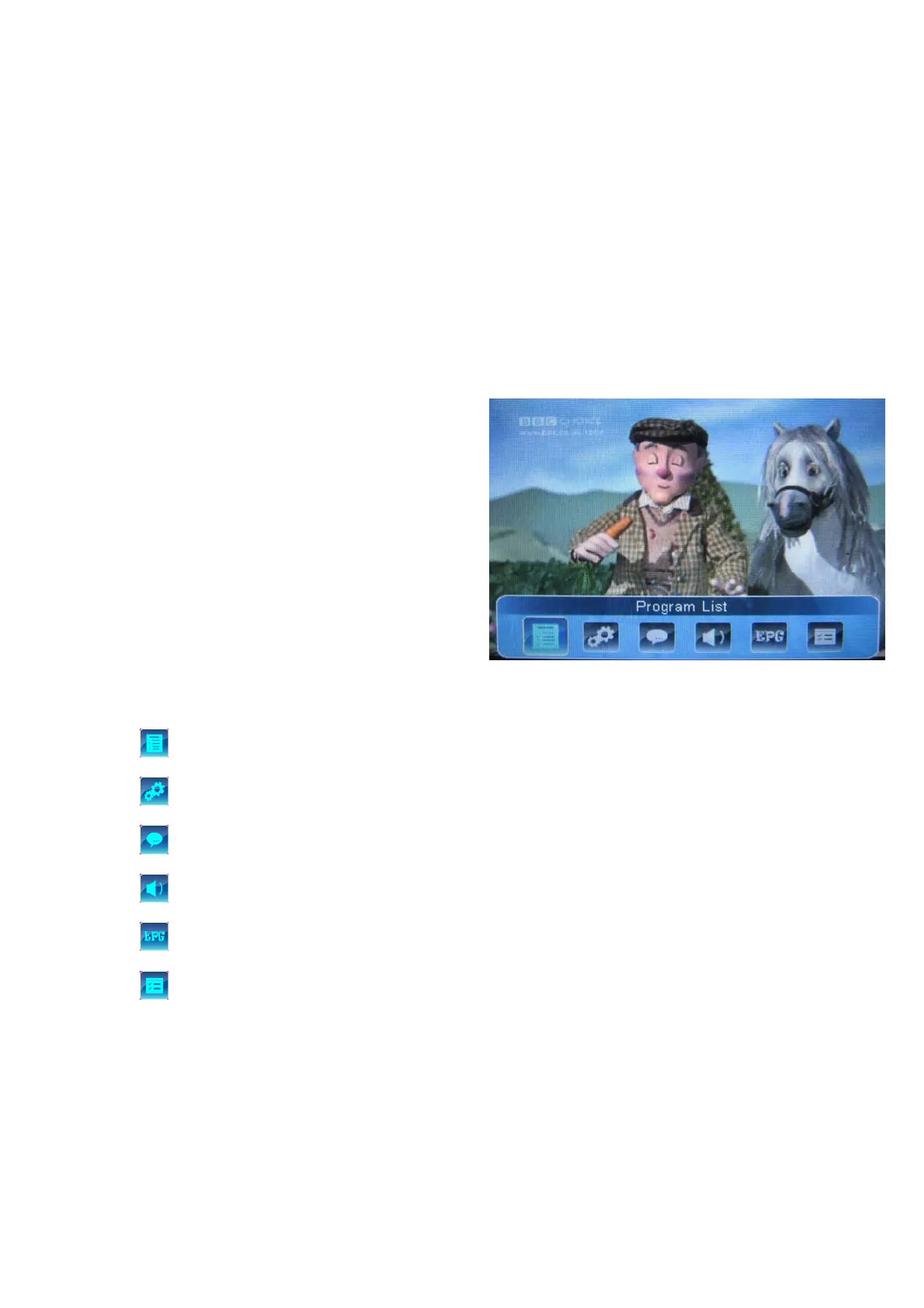
press menu key to display toolbar , press
direction key to select , the function as
following:
: Program list
: Channel、Program guide、Search channel、TV settings
: Display or disable subtitle
: Audio list
: Electron program guide
: Program information
Note:If the broadcasting is in 4:3 format, the player will show it in that format. If you want to see that
program in 16:9 format (full screen), you should keep press key "M" for 2-3sec.



 To Next Page