-5-
3.1.1 Channel
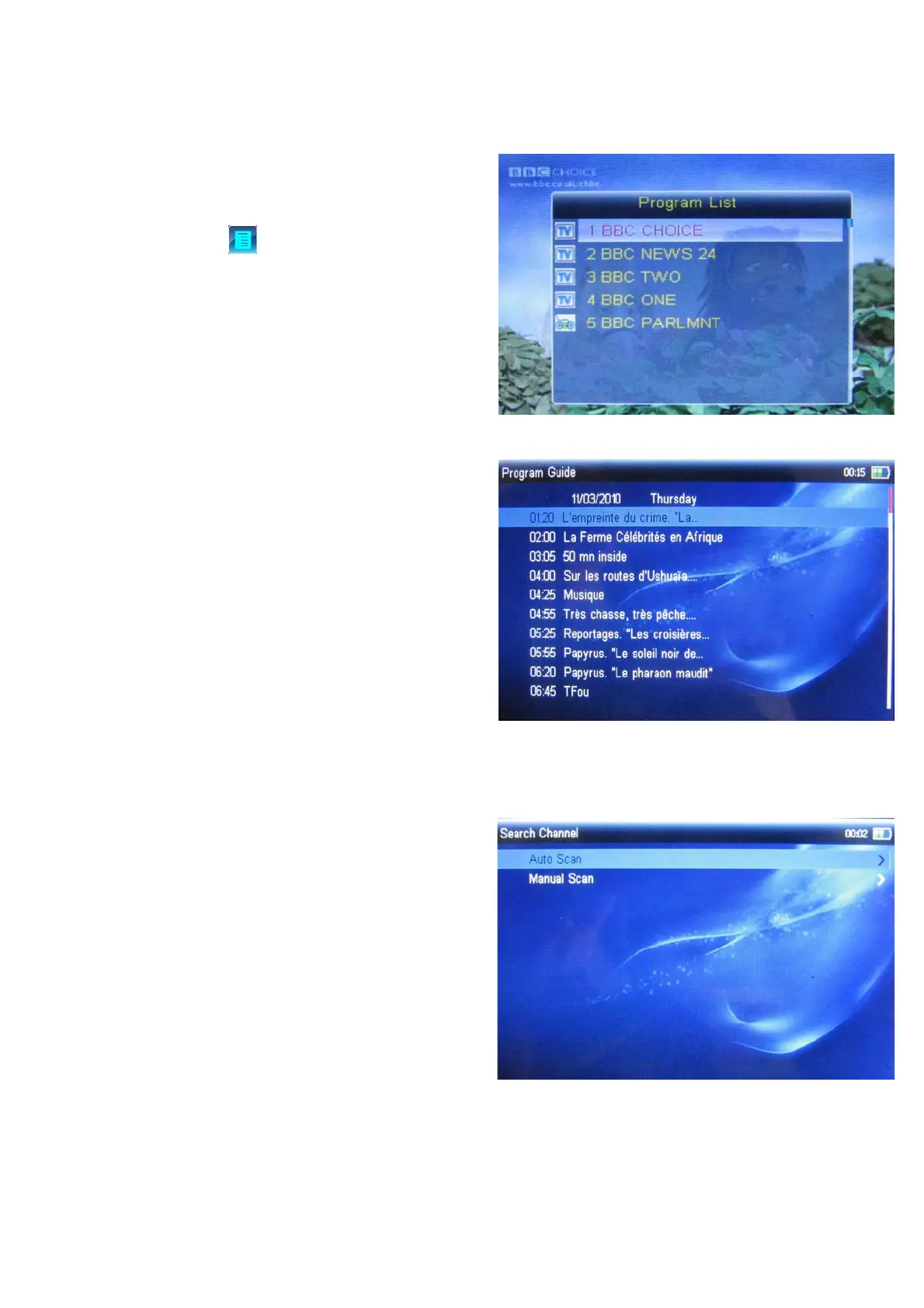
In playing interface, it will appear program list if
you select
from toolbar, press direction
key to choose program which you want to watch,
press ok key to switch to the program which you
select, press esc key to return playing window.
3.1.2 Program Guide
In EPG interface, you can view program guide
information, press direction key to select date
which you want to view.
3.1.3 Search Channel
There are two search modes are auto search
and manual search, press direction key to
select, press esc key to return.



 To Next Page