-6-
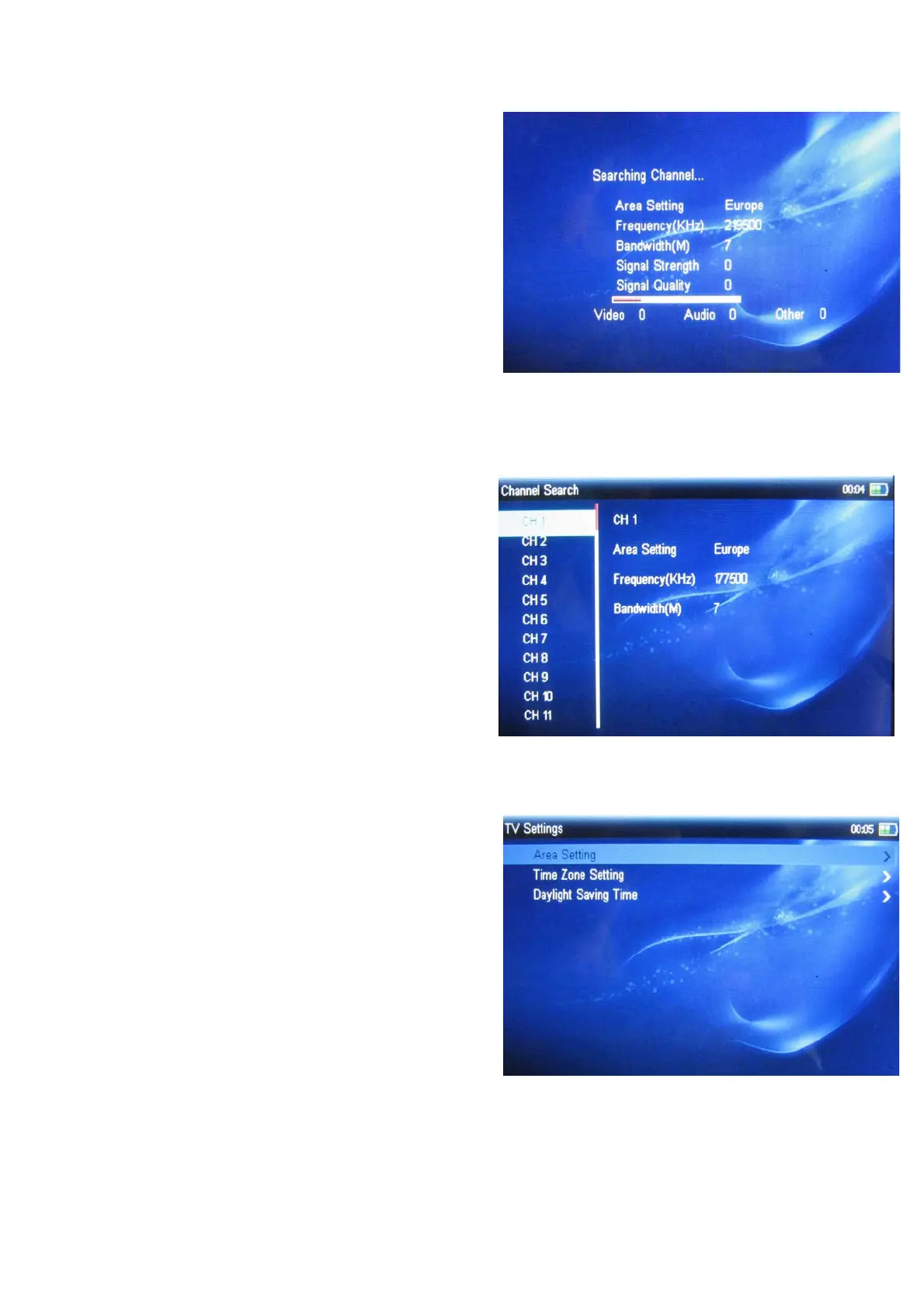
Auto search
Press direction key to select “Auto Scan”, press
ok key to search automatically.
When search finish, it will show channel list.
Manual search
Press direction key to select “Manual Scan” ,in
manual scan interface, you can select channel
from channel list, it will show the channel
information which you select (area、frequency、
bandwidth),press ok key to search.
3.1.4 TV Settings
In TV settings interface (in "configuration"
menu), it include three options are area
setting 、 time zone setting and daylight saving
time, press direction key to select, press esc key
to return.



 To Next Page