-16-
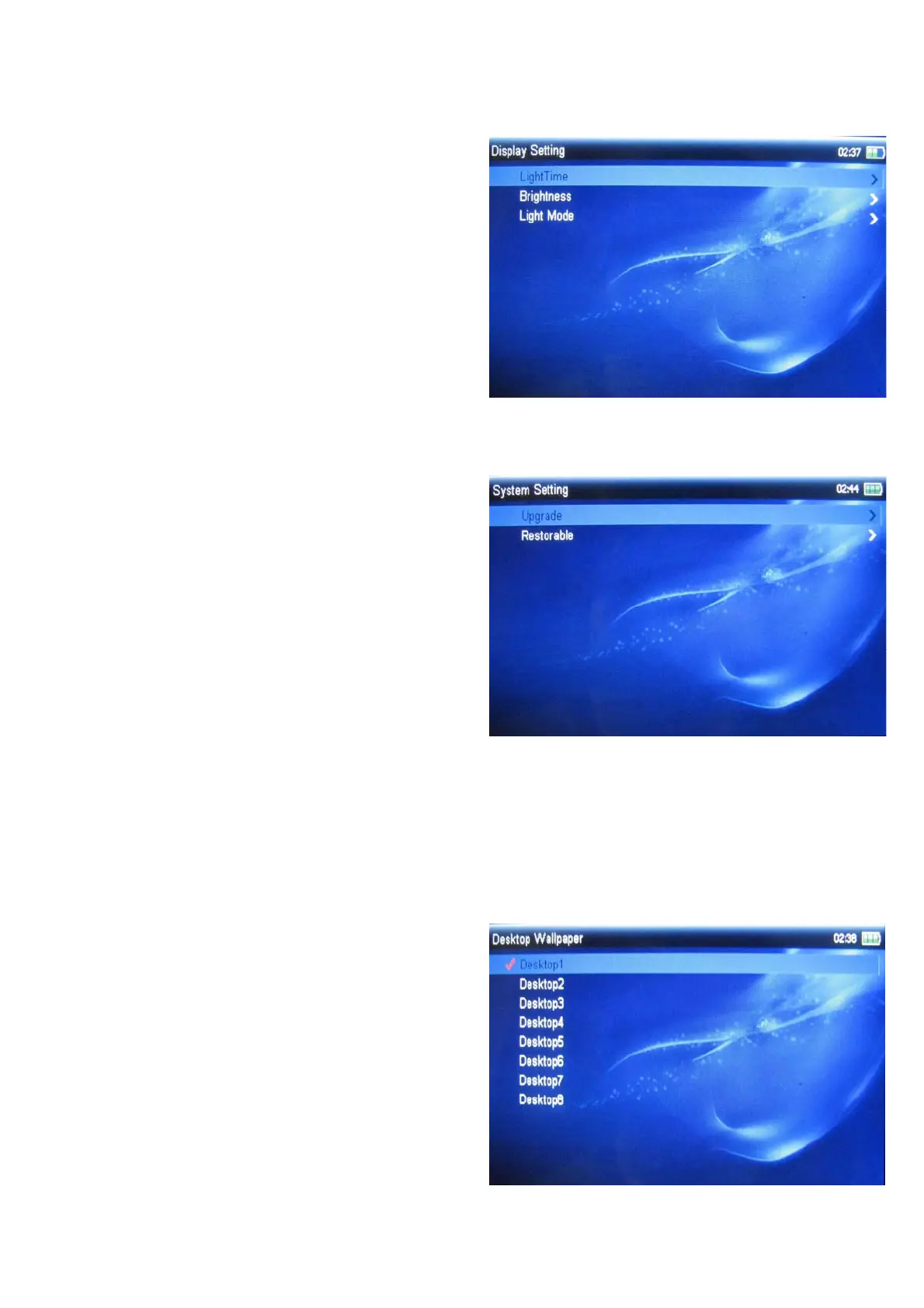
3.10.1 Display Setting
You can set display mode:
¾ LightTime: to set light display time;
¾ Brightness: to set brightness;
¾ Light Mode: to set light display mode , it
include two options are all dark and
penumbra.
3.10.2 System Setting
In system setting menu, it include two options
are upgrade and restorable:
¾ Upgrade: to upgrade software;
¾ Restorable: to restore to default setting.
3.10.3 Desktop Wallpaper
To set desktop wallpaper, press direction key
to select, press ok key to confirm.



 To Next Page