-17-
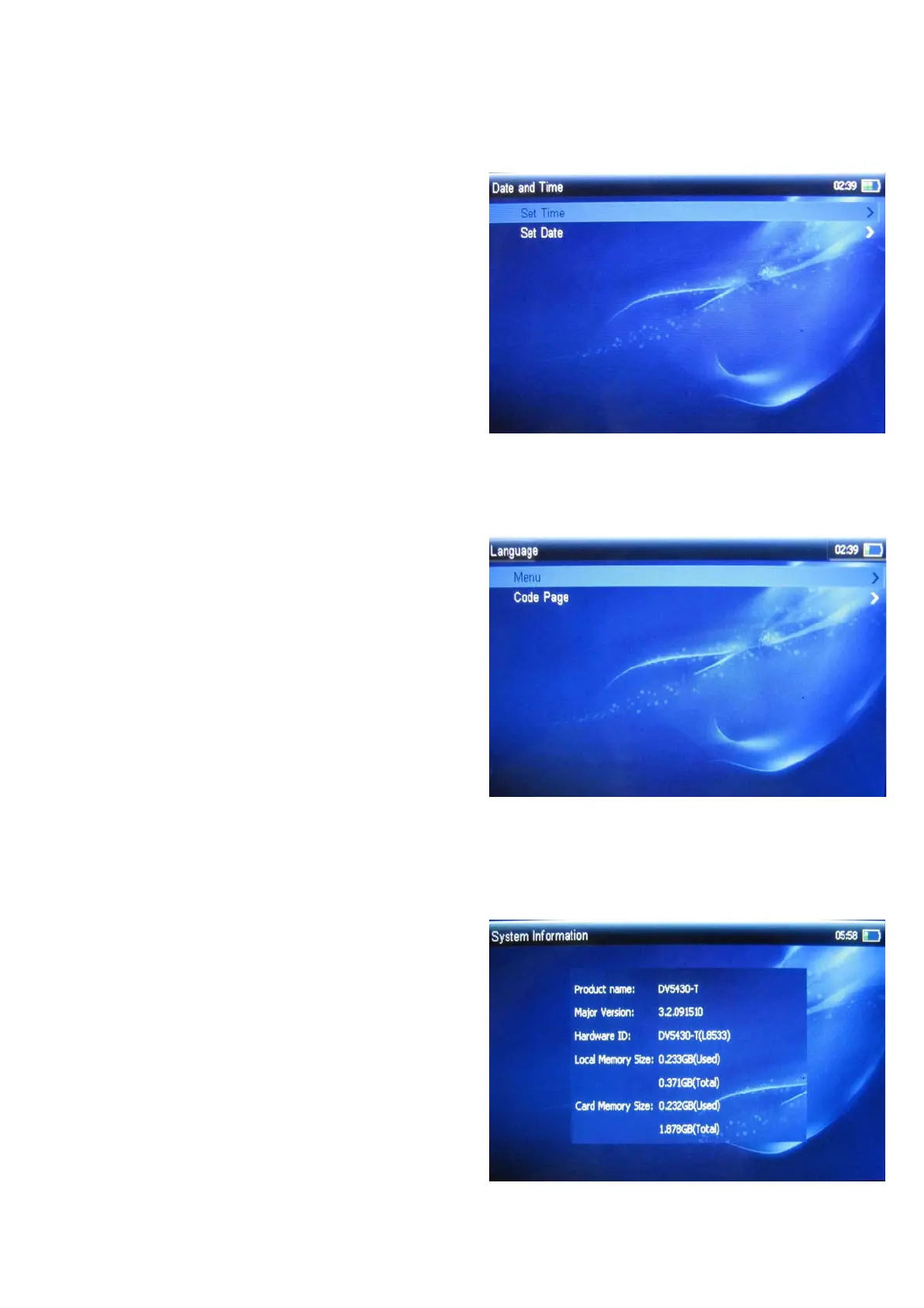
3.10.4 Date and Time
To set date and time:
¾ Set Time: press CH+/- key to switch
between hour and minute, press VOL+/-
to set time;
¾ Set Date: press CH+/- key to switch
between year、month、day, press VOL+/-
to set date.
3.10.5 Language
To set menu and code page language:
¾ Menu: English 、 Spanish and other
languages;
¾ Code Page: English 、Spanish 、German
French and other languages.
3.10.6 System Information
To view system information.



 To Next Page