24
2) Use images
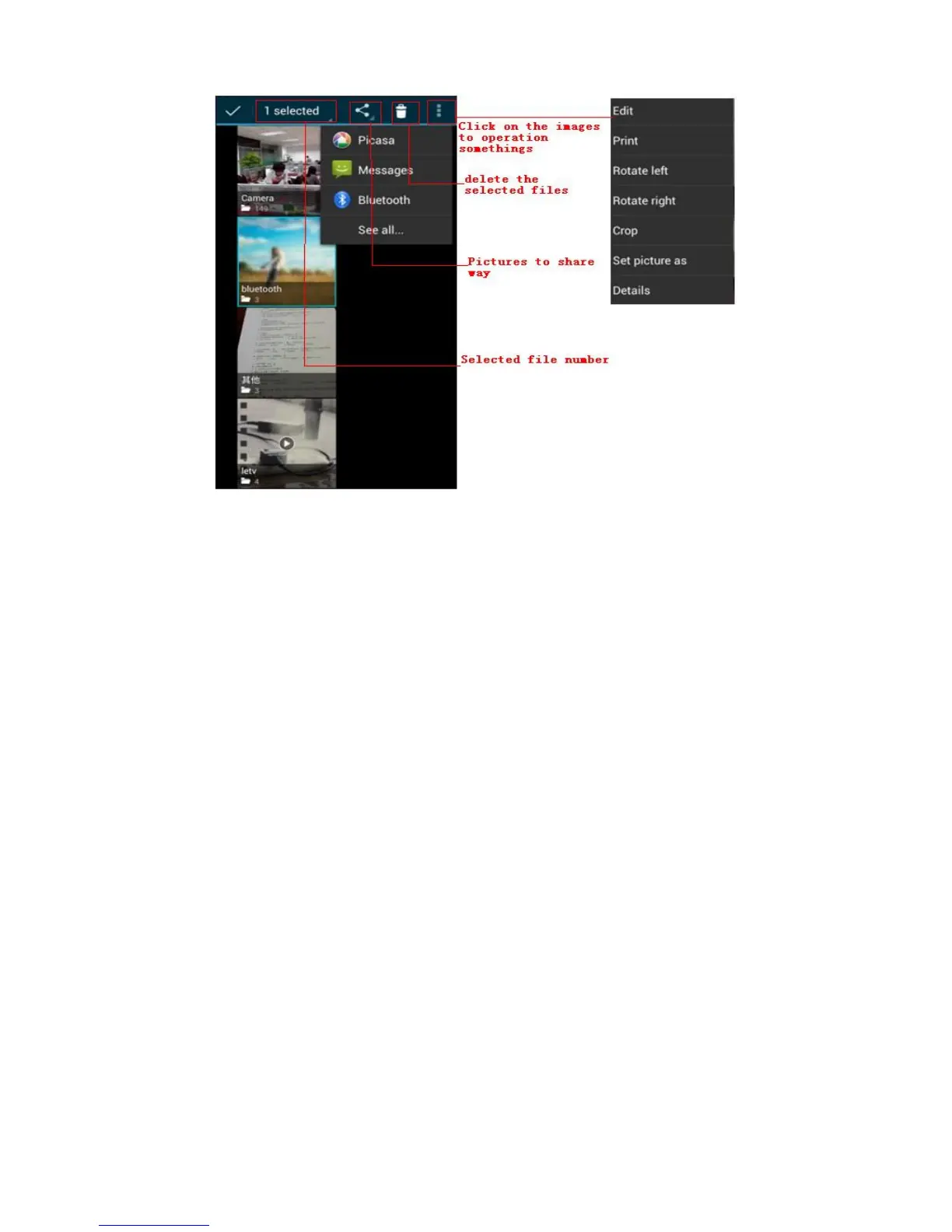
After taking pictures, you can view them and share them with your
friends.
a. Use E-mail to send pictures : choose Gmail or E-mail,
pictures will be automatically added to an E-mail. Write your
information, click send.
b. Use Messaging to send pictures:Select the information, pictures
will be additional to the MMS. Write your information, click
send.
C. Use Bluetooth:Bluetooth list, select already pairing of bluetooth
equipment, you can through Bluetooth send a picture.
4)Check pictures
In the photo view interface, you can drag or can forward to view the
photos
5) Edit picture.
a. Edit light:Fill Light Highlights Shadows Auto-Fix.
b. Edit image effects : Cross-process, Posterize Lomo
Documentary and so on.
c. Color Effects:Warmth Saturation B &W Sepia Negative Tint
Duo-tone Doodle.
d. Crop: Crop Red Eye Straighten Rotate Flip Sharpen.



 To Next Page