25
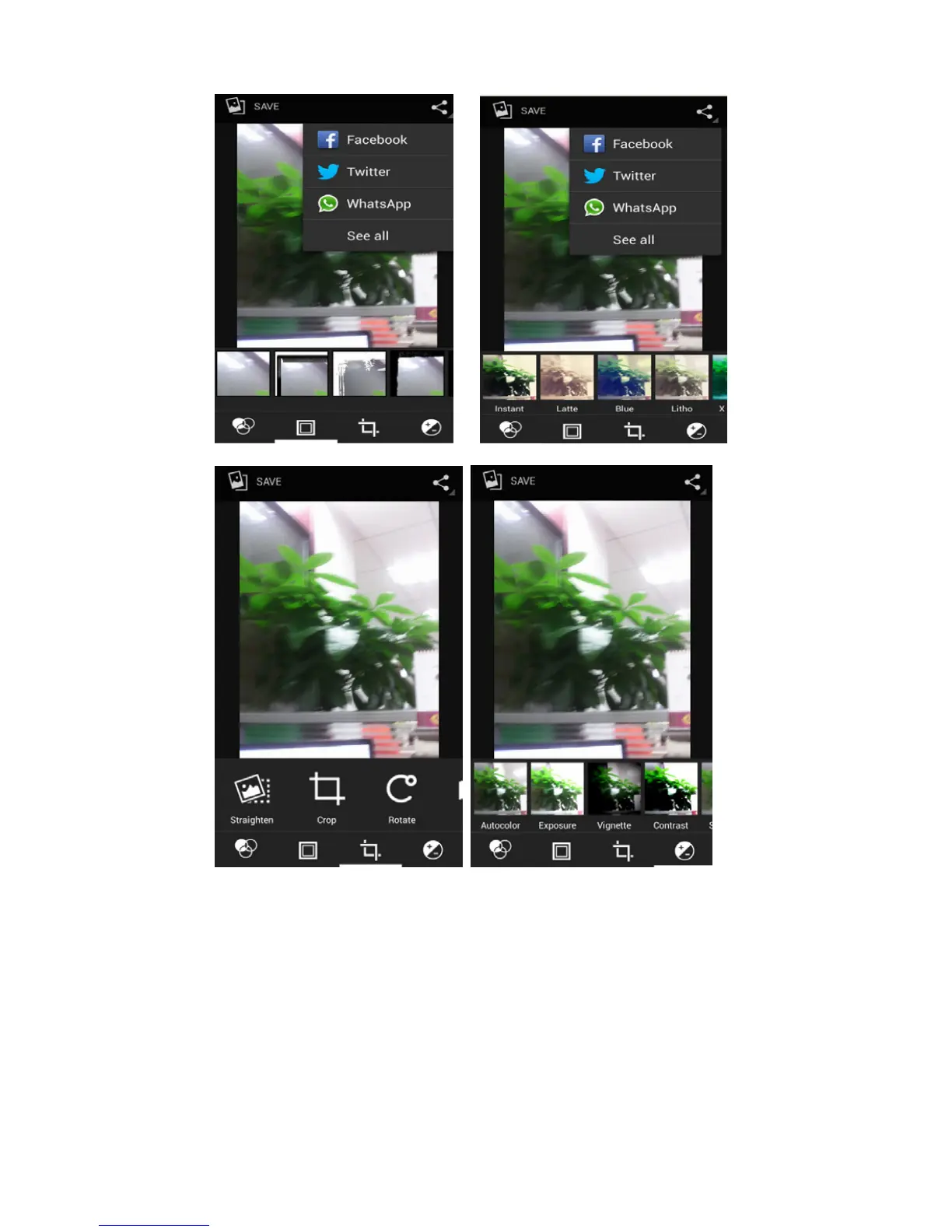
6)Crop pictures:
a. If you want to adjust the size of the clip, please hold the edge of
the cutting tools. The arrow appears clip, can adjust its size.
b. If you want to adjust in the clip that keep proportion, please hold
down any of the four corners of the one.
c. If you want move to the clip of the picture area , please hold
cutting and then move to drag in to the position.
• View images
1) In the picture interface, touch the photo album to view the
images.
2) Touch the thumbnail to view pictures on full screen.



 To Next Page