Need help?
Do you have a question about the Suntek HC-550G and is the answer not in the manual?
Lists uses like surveillance, hunting, and plant observation.
Details AA batteries, solar panel, and DC adapter power options.
Important warnings regarding TF card insertion/removal and firmware upgrades.
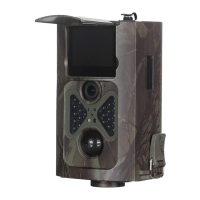
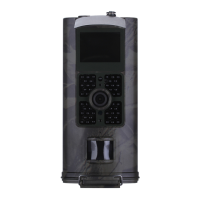
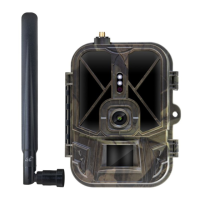
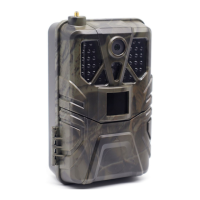
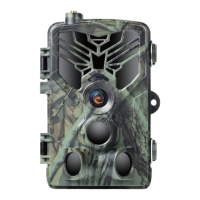
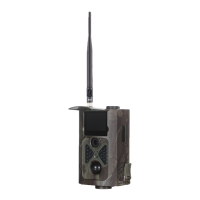
Illustrates and labels the front components of the camera.
Illustrates and labels the back components of the camera.
Instructions on how to insert AA batteries into the camera.
Guide on inserting TF card and SIM card into the camera.
Details the infrared remote control and its function.
Instructions on turning the camera on and test mode.
Explanation of the information shown on the camera's screen.
Overview of camera settings menus (Camera, Video, System, MMS, SMTP).
Details settings for camera resolution, sequence, ISO, delay, and address.
Details settings for video resolution, length, and audio recording.
Configuration for time-lapse photography interval.
System settings including mode, language, TV mode, and format.
Settings for MMS functionality, country, phone, and email.
Settings for SMTP functionality, country, and email.
Second method to set camera, video, and system menus using software.
Configuration for MMS settings, including Auto and Manual modes.
Configuring MMS automatically by selecting country and operator.
Manual configuration of MMS settings via APN, Account, and Port.
Configuration for SMTP settings, including Auto and Manual modes.
Configuring SMTP automatically by selecting country, operator, and email type.
Manual configuration of SMTP settings via APN, Account, Server, and Port.
Instructions on saving the configuration file to the TF card.
Lists available SMS commands for camera control and information retrieval.
 General
| Brand | Suntek |
|---|---|
| Model | HC-550G |
| Category | Scouting Camera |
| Language | English |

 To Next Page