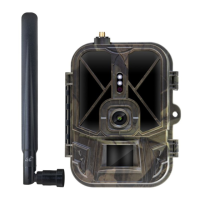
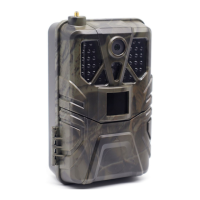
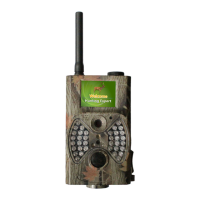
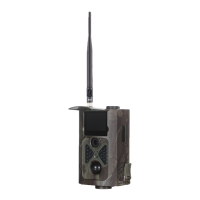
Need help?
Do you have a question about the Suntek HC-940-M and is the answer not in the manual?
Procedure to find the device ID and link the camera to the mobile application.
Steps for adding the camera to the app, including entering device name and password.
How to use the app to command the camera to capture photos or videos.
Instructions on navigating the menu to check for the latest firmware version.
Guidance on initiating and completing the firmware update process.
Requirements for setting up the camera, including SIM card and app preparation.
Information on the camera's capability to receive live images and video remotely.
Guidance on supported SIM card operators and regional compatibility.
 General
| Night Vision | Yes |
|---|---|
| Image Sensor | 5MP Color CMOS |
| Memory | Up to 32GB |
| PIR Distance | Up to 20m |
| Operating Temperature | -20°C to 60°C |
| Resolution | 16MP/12MP/8MP |
| Detection Distance | Up to 20m |


 To Next Page