Need help?
Do you have a question about the Suntek HC-700M and is the answer not in the manual?
Describes various use cases for the trail camera.
Details the camera's power options including batteries, solar panel, and adapter.
Provides crucial warnings and precautions for camera usage and maintenance.
Lists the main capabilities and specifications of the trail camera.
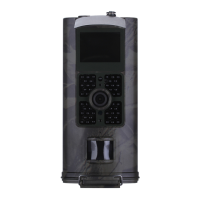
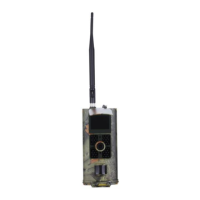
Identifies components visible on the front of the camera.
Identifies features and mounting points on the back of the camera.
Details the ports and slots located on the bottom of the camera.
Instructions for inserting batteries into the camera.
Guidance on inserting and preparing the TF card for use.
Explains the functions and usage of the infrared remote control.
Details how to power on the camera and its operational modes.
Describes how to enter test mode for setting up the camera menus.
Explains the normal operation mode where the camera works automatically.
Explains the icons and information displayed on the camera's screen.
Details the settings available for camera functions like resolution and ISO.
Explains the settings for video recording, including resolution and length.
Describes how to set the camera for time-lapse photography.
Covers general system settings like language, date/time, and format.
Configuration options for MMS functionality.
Configuration options for SMTP (email) functionality.
Steps to load the CD and launch the MMSCONFIG software.
Explains configuring camera, video, and system settings using software.
Guides through setting up automatic MMS transmission.
Details manual MMS setup when auto configuration is not available.
Guides through setting up automatic email transmission.
Details manual email setup when auto configuration is not available.
Instructions for saving configuration files to the TF card.
Lists SMS commands for controlling the camera remotely.
Provides instructions for updating the camera's firmware.
Lists the detailed technical specifications of the camera.
Lists all items included in the camera package.
 General
| Brand | Suntek |
|---|---|
| Model | HC-700M |
| Category | Scouting Camera |
| Language | English |

 To Next Page