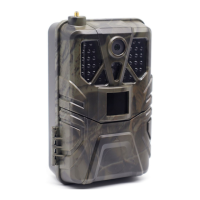
Need help?
Do you have a question about the Suntek HC-300A and is the answer not in the manual?
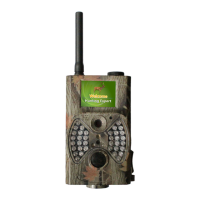
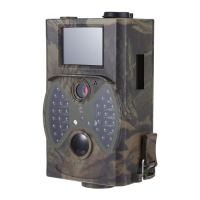
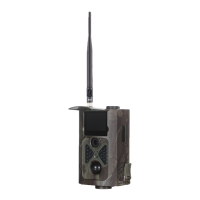
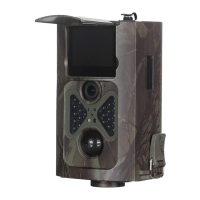
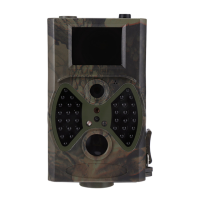
Overview of the digital trail camera's surveillance capabilities, motion detection, and image/video capture.
Details on the operation and functions of the camera's remote control.
Instructions on how to supply power to the camera using AA batteries.
Guidance on inserting the SD card correctly into the camera.
Steps and precautions for powering on the camera and entering the ON mode.
Instructions for switching the camera to Config mode for settings.
Procedure for powering off the camera and considerations for long-term storage.
How to access and navigate the camera's settings menu.
Configuration options for photo resolution, interval, multi-shot, ISO, and ID.
Configuration options for video resolution, length, and voice recording.
 General
| Brand | Suntek |
|---|---|
| Model | HC-300A |
| Category | Scouting Camera |
| Language | English |

 To Next Page