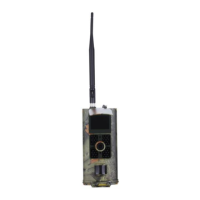
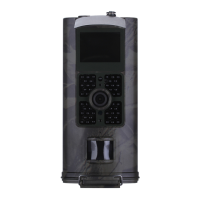
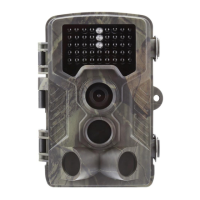
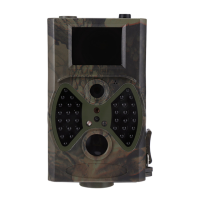
- 06 -
App (iOS)
App (Android)
Step 5
Scan the QR codes below search for“SUNTEKCAM” on the Apple app store
or
search for “SUNTEKCAM” on the Google Play to download the app.
②
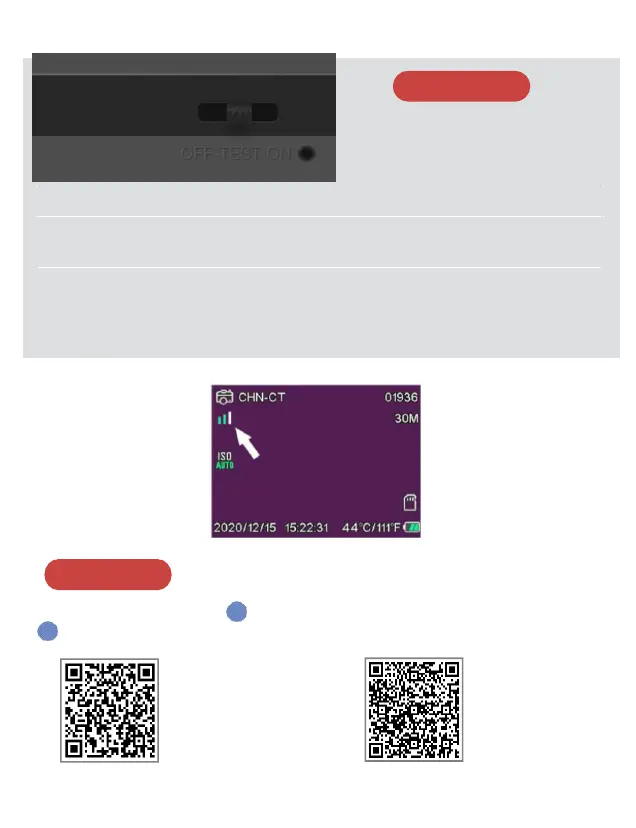
Tips: slide the mode switch form TEST to ON.
The camera will start working after 10 seconds countdown,
the red indicator light blinks meanwhile.
Step 4
①
Slide the mode switch
Check the signal grid color.
Green means receiving signal, White means signal reception failed.
Need to check if the sim card whether locked or effective.


 To Next Page