Creating Macros
19
Creating Macros
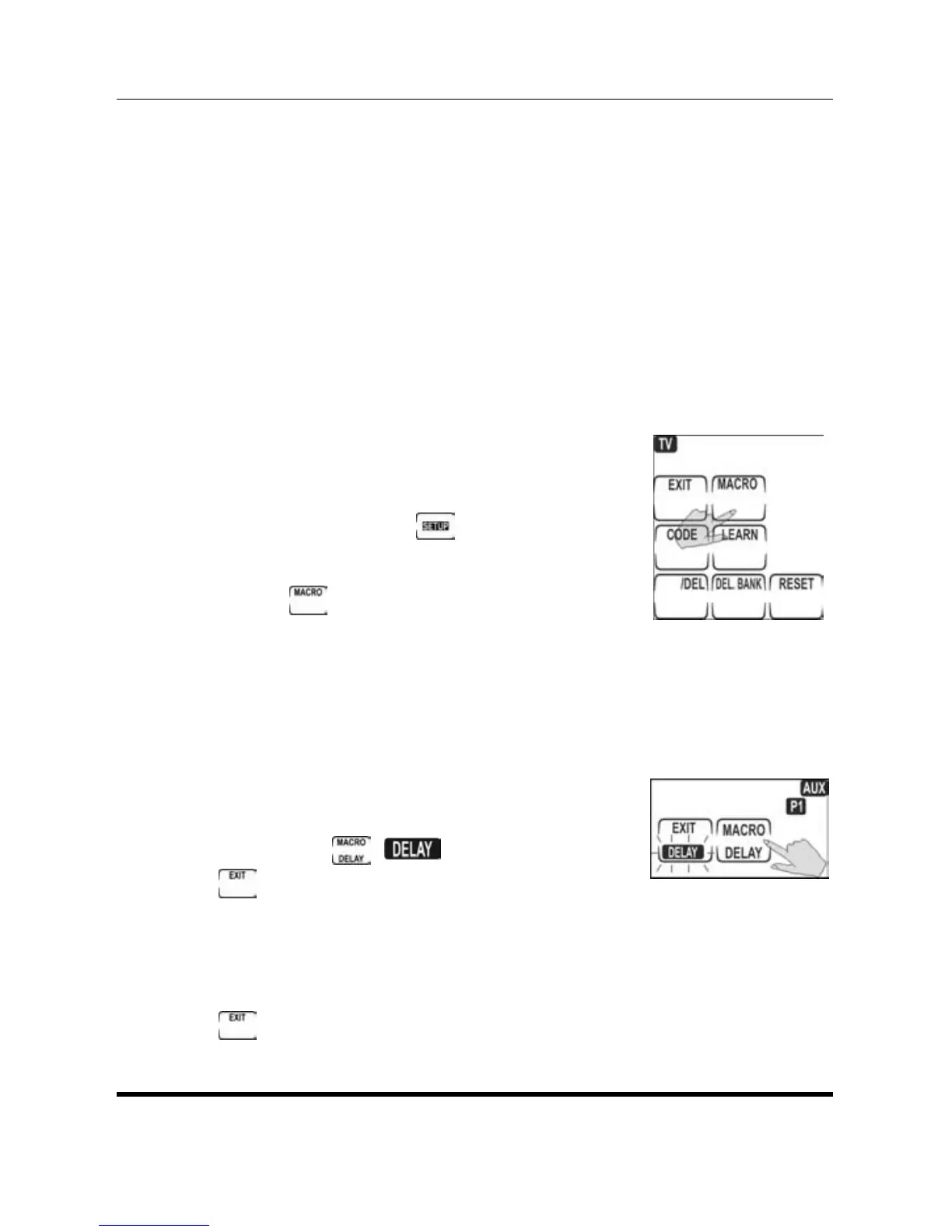
A macro is a sequence of commands. The
Macro feature enables you to send a sequence
of up to 60 commands by pressing a single
button. The macro can also include delays.
NOTE:
Assigning a macro to any button overwrites
any previous function.
1. Select the appropriate device
by pressing the device button.
2. Press and hold
to enter
setup.
3. Press
.
4. Press the button to which you want to assign
the macro. A double beep sounds to indicate
macro mode.
5. Press the buttons in the sequence of your
commends for a Macro.
If necessary, to insert a delay
by press
. flashes in the
button. Press the desired
delay (in seconds) on the number buttons. For
example, for a three second delay press 3.
6. When you have completed the macro, press
.


 To Next Page