26
Chapter 5 Miscellaneous settings
Using the optional accessories (see Optional
Accessories on page 28) you can copy settings
to and from another SRC-1600 to your own SRC-
1600, as well as backup your settings, update the
preset code database, and upgrade the
firmware.
Using the transmission feature
Using the optional SLC-2080 transmission cable,
you can copy settings from one SRC-1600 to
another.
1. Connect two SRC-1600s using the
transmission cable.
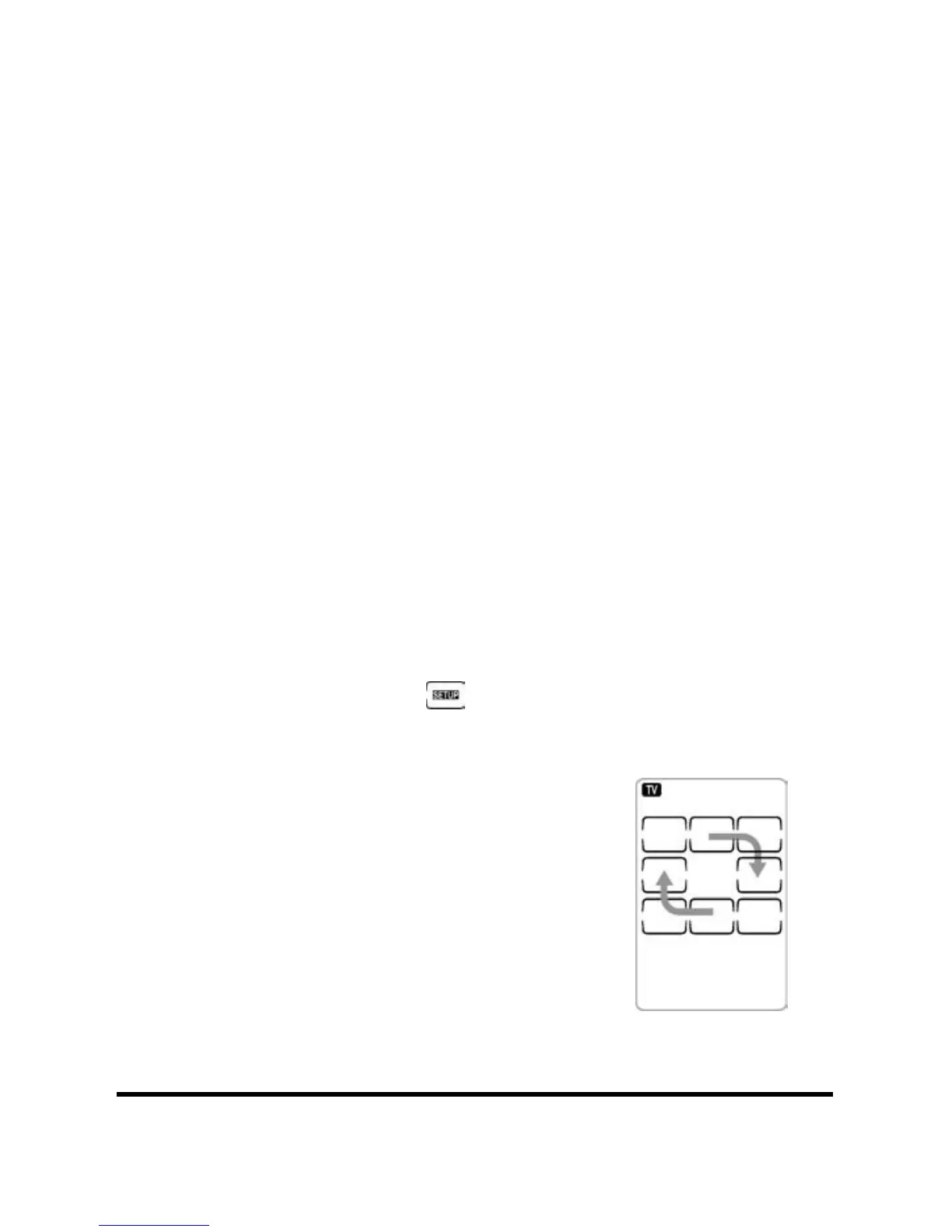
2. Press and hold
to enter setup.
3. Press 8 on the number pad
from the source remote
control three times.
If the transmission is
successful the LCD displays
the right side pattern:


 To Next Page