12 / 15
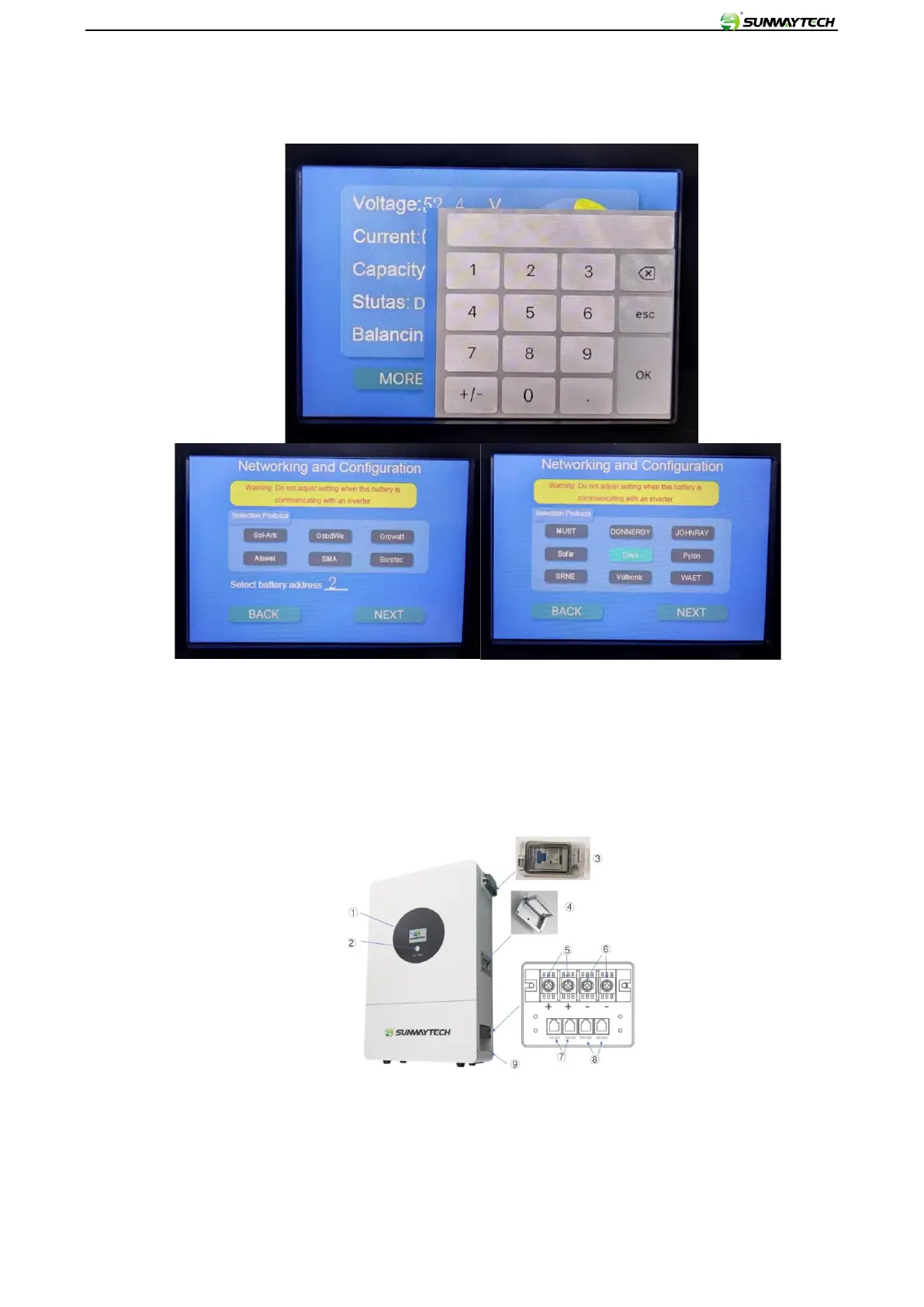
Click SETTING, put password 1981 and press OK to enter the inverter brand chosen interface:
Choose inverter brand, and battery address 1 2 3 4...etc
7. Power ON/OFF & Touch screen display guide:
7.1 POWER ON: Switch POWER BREAKER on right side(No.3)
7.2 Press BAT POWER (No.2)on the front panel of the battery pack (see the picture below for the
button)
7.3 After power on, the screen will display the SUNWAY interface and redirect to the following interface
after 3seconds then (see the picture below). Like voltage V, current A, capacity Ah, status, balance, and
remaining capacity.



 To Next Page