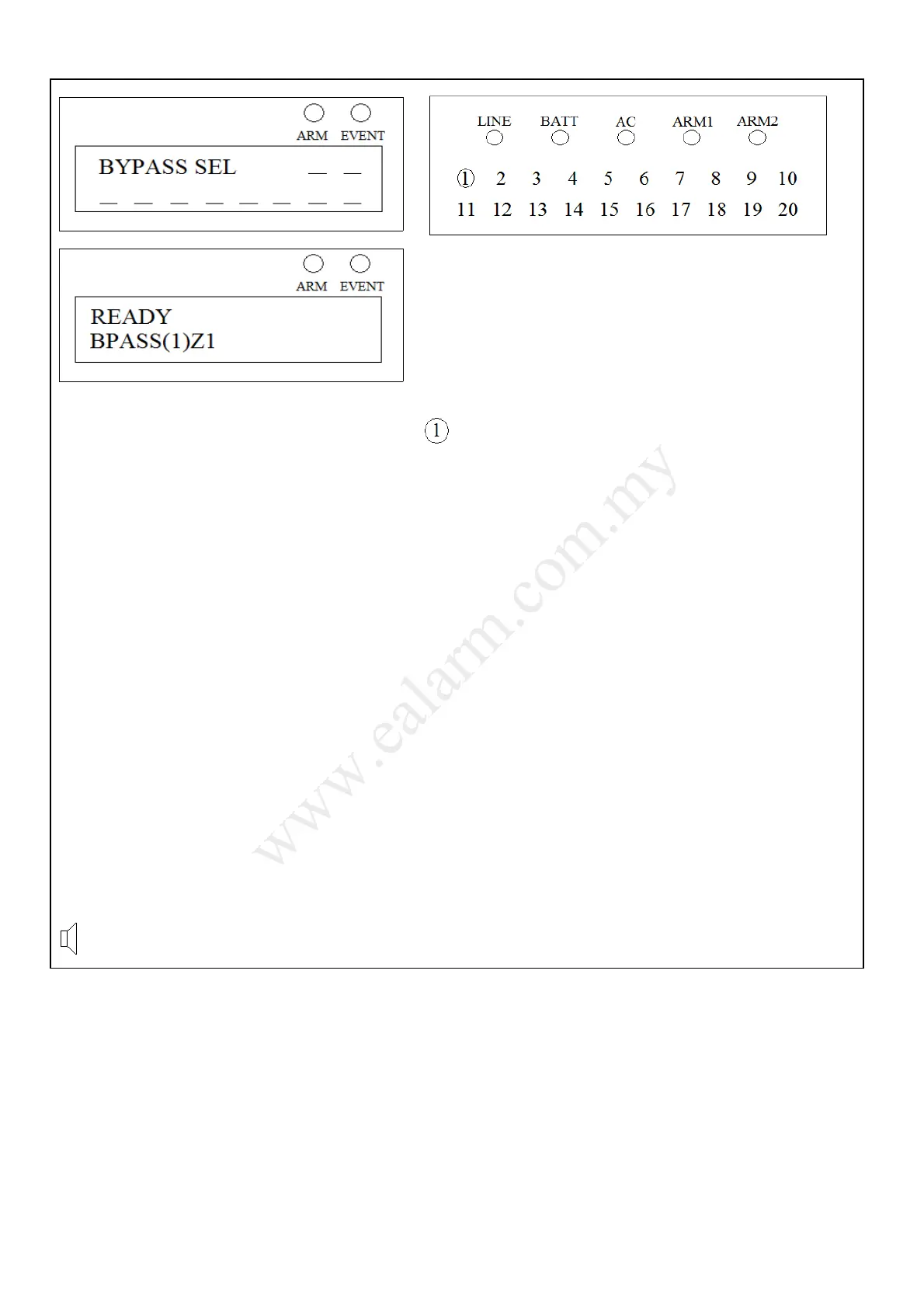
Bypass Zone
(1) mean total zone bypass The respective zone 1 light will turn on to indicate the
. zone is bypassed.
1) Press [ ∗ ] + [ BYPASS ]
(If Quick Bypass is enabled)
Or
Press [ ∗ ] + [ BYPASS ] + [ User Code ]
(If Quick Bypass is disabled)
2) Press [ Zone Number ]
3) Press [ ∗ ] to exit Bypass mode
☼ The LINE light will turn off to indicate exit from Bypass mode.
♪ 3 beeps to indicate exit from Bypass mode.
Remark:
Press digit ‘0’ to bypass or un-bypass zone 10.
Bypass, Zone X bypass
Information:
• Bypass is performed to eliminate burglary zones that are not ready or faulty from activating burglary alarm.
Protection to a bypassed zone is temporarily switched off until the next system arming.
• To un-bypass previously bypassed zones, simply Disarm the system to cancel bypass state of all zones or enter
bypass mode and press the corresponding bypassed zone number to toggle its bypass state to un-bypass state.
After un-bypassing a zone, the bypass indication will be removed from that particular zone.
• No bypass or un-bypass of zones is allowed during system Arm.
• The system cannot enter Bypass mode while in other operation mode. Press [ ∗ ] + [ ∗ ] to exit from other
operation mode.
Copyright © 2008 AASMSB Co. No. 135844-U. All Rights Reserved 6



 To Next Page