22
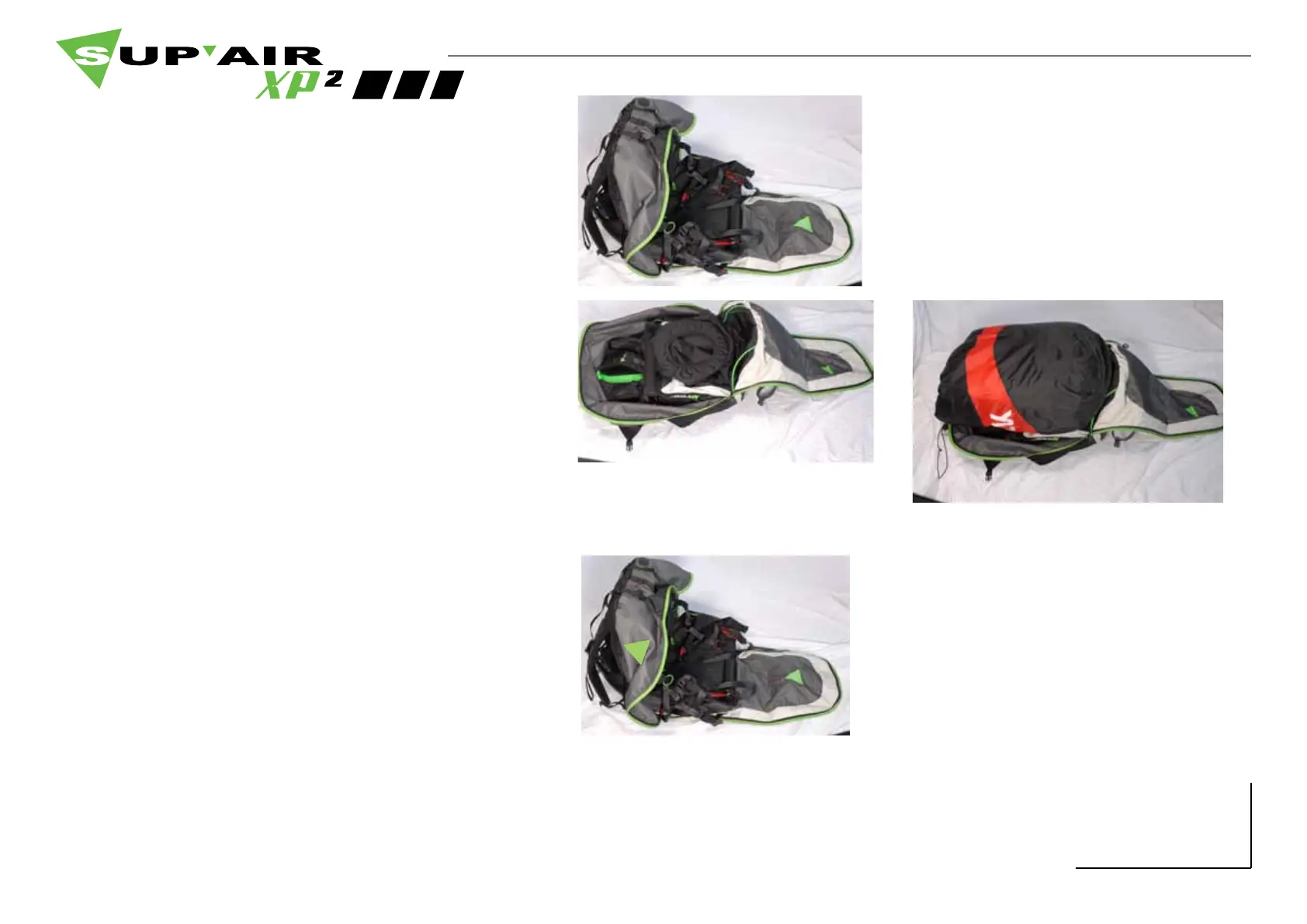
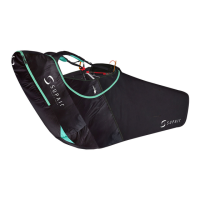
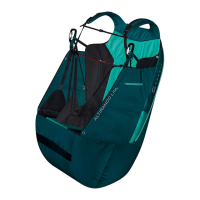
Reversible Harness / Backpack.
1 / Completely loosen the backpack’s upper
weight distribution straps or the Air-Bag will be
pinched at the top.
2 / Completely unzip the Air-Bag.
3 / Empty the backpack’s content.
4 / Unfold the seat-pate toward the outside.
5 / Zip the Air-Bag and activate the pressure loc-
king system located right onto the harness - desi-
gned to fully close the envelope and ensure its
proper ination.
How to turn the XP² from backpack to harness mode:
1 / Completely open the Air-Bag.
2 / Flip the Air-bag inside-out.
3 / Place the seat-plate vertically against the back
wall - stow away your gear inside the newly made
backpack.
How to turn the XP² from harness to backpack mode:
A



 To Next Page