7
Color Box Camera User Manual
SECTION 2: INSTALLATION
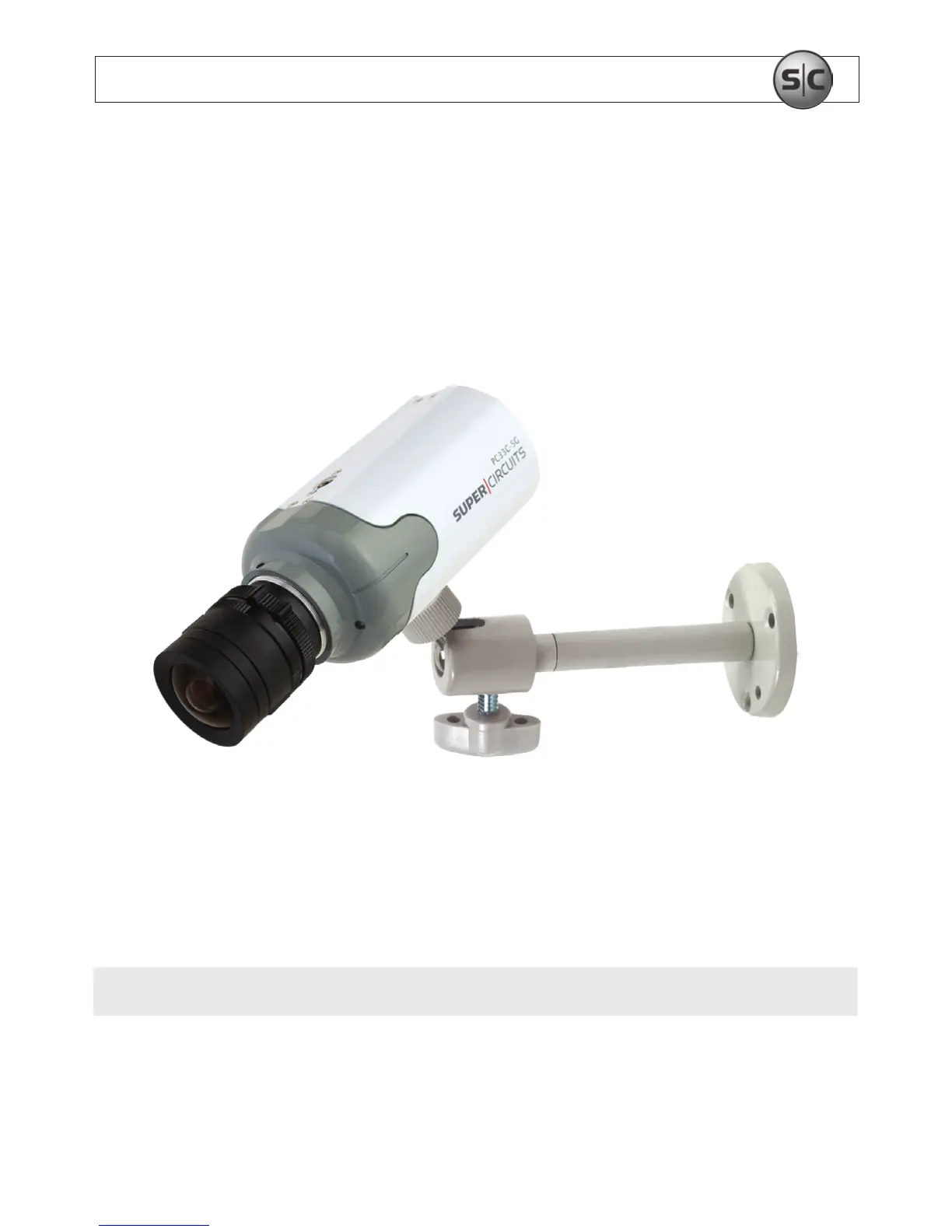
6. Loosen the directional adjustment screw so that the camera adjustment screw moves
freely.
7. Attach the camera to the mounting bracket by tightening the camera attachment
screw into the mounting bracket connector.
8. Tighten the directional adjustment screw to hold the camera in position.
9. Attach video, audio, and power extension cables to the connectors on the back of the
camera.
NOTE
Connectors on power cables are usually dierent at each end.
10. Attach the video and audio extension cables to a monitor or DVR.


 To Next Page