User Manual of Network Video Recorder
37
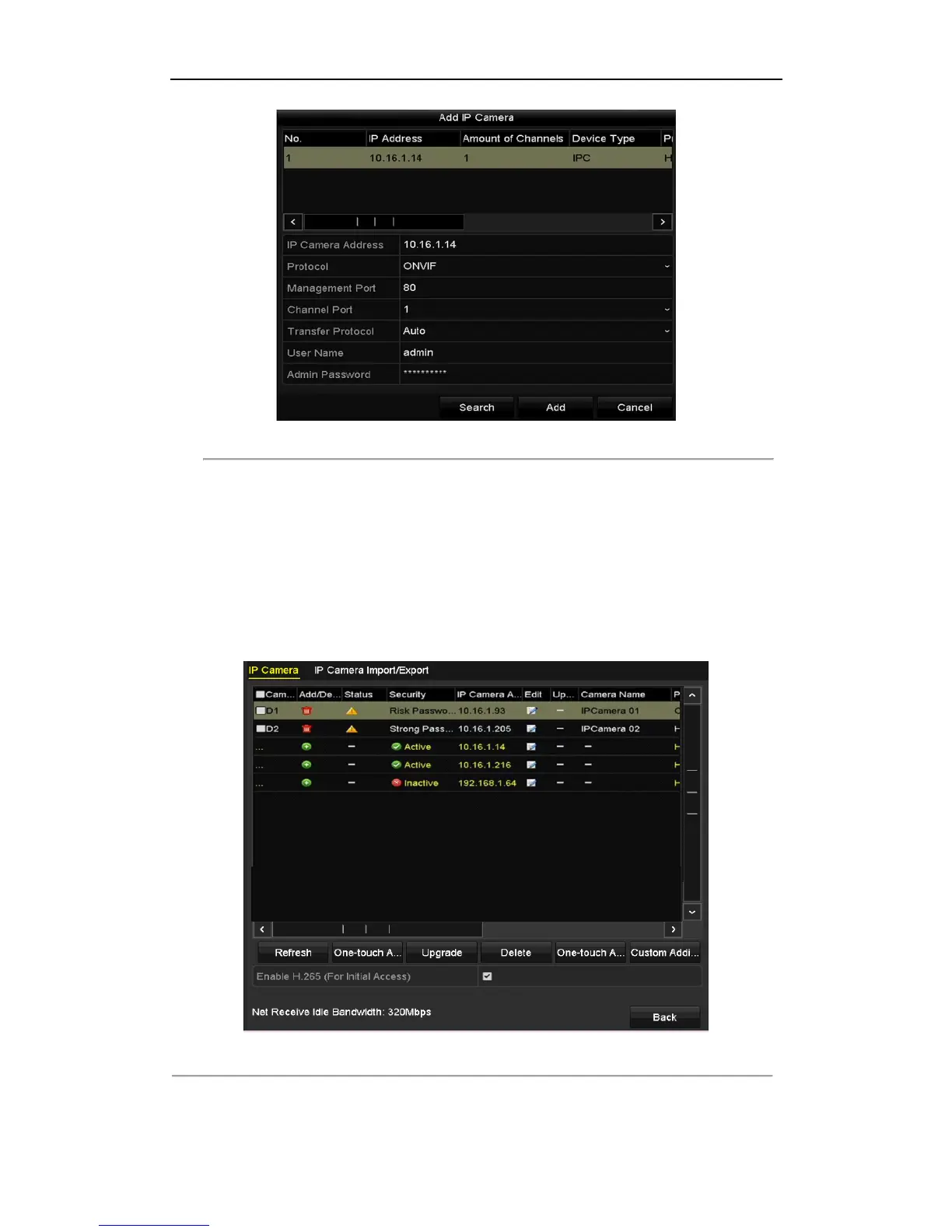
Figure 2. 19 Quick Adding IP Camera Interface
3. Select the detected IP camera and click the Add button to add it directly, and you can click the Search button
to refresh the online IP camera manually.
Or you can choose to custom add the IP camera by editing the parameters in the corresponding textfiled and
then click the Add button to add it.
OPTION 2:
Steps:
1. Select the Add IP Camera option from the right-click menu in live view mode or click Menu> Camera>
Camera to enter the IP camera management interface.
Figure 2. 20 Adding IP Camera Interface
2. The online cameras with same network segment will be detected and displayed in the camera list.



 To Next Page