37
4 - Operation
4.4.4.2 TIMER FUNCTION
AThe Timer cannot be
enabled with Heat/Cool
control.
To enable this function, perform
the following:
1 In order to use this AL3 func-
tion, index qmust be set to
0 in configuration (see page 22)
2 To select one of the 6 possible
functioning modes of the
Timer, set the value of the fol-
lowing 2 parameters in para-
meterization (see p. 29).
Timer
Action
This parameter can be defined:
(see table 2)
- time units
- starting mode
- OP3 status when the timer is
running.
When the timer is not running,
the OP3 takes the opposite
status.
#t.Act
Timer OP
function
std/eHpd
standard/extended
Standard: tdop = 0
OP3 is set to 1 at timer lauch
and reset 0 on time elapsing.
Extended: tdop = 1
OP3 is set to 1 at time
elapsing and set to 0 by reset
command.
P.I.D enable
yes/no
Yes:
PID is enabled when time
function is enabled.
Extended:
PID is disabled and output is
maintained at zero.
#Pid
#tdop
Timer/Start-up counting mode Value
Counting
start time
End mode
When inside
the band
Control mode
2
Output to 0
3
When launched
Control mode
4
Output to 0
5
When launched.
Control disabled
Control mode
6
When launched
stand-by Setpoint
Control mode
7
table 1
table 2
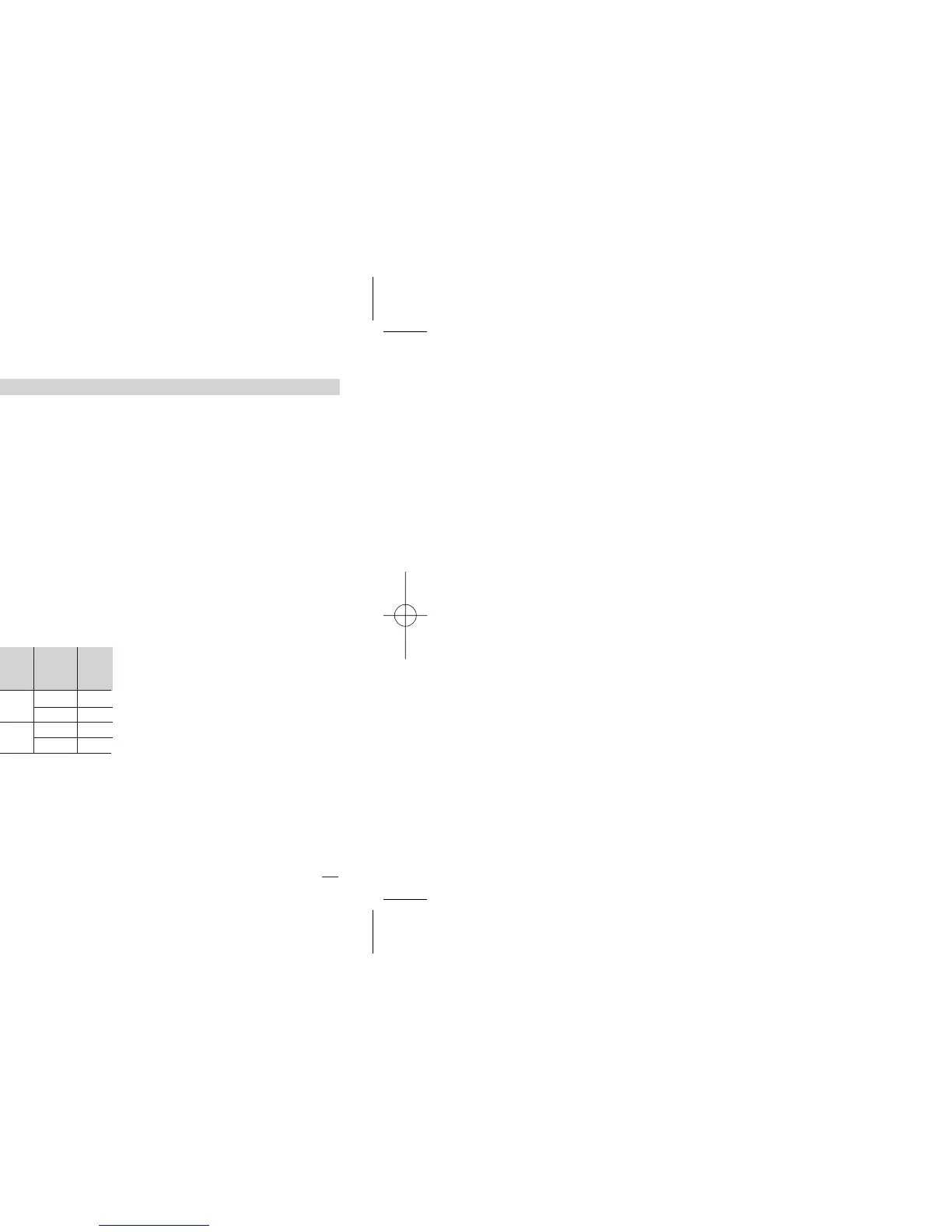
Time
units
Starting
mode
[1] OP3
status
Value
Minutes
Manual by
keypad
On
4
Off
5
Auto at
Power ON [2]
On
6
Off
7
[1] If used by Timer
[2] Using this selection, manual
starting mode is also possible.
Now the other parameter values
can be entered:
Timer/Start-up
operating mode
This parameter can be defined:
(see table 1)
- counting start time
- control output status at the
end of the counting
#t.Mod
Disabled
OFF
Start-up function
1


 To Next Page