Difficulty resolution
items
Trouble vision
reason solution
1 blank screen
LED is closed
Preview is closed
No suitable devices
Bad connect with PC
Open LED
Open preview
Choose suitable devices
Connect USB again
2
Picture vague、
discolour, slow
Dirty lens
Incorrect focusing
Bad connect with PC
The Configuration of PC is too
low
Clean by lens- bumf
Adjust focusing
Connect USB again
Choose new PC
3
Picture
distortion
Bad connect with PC
Trouble inside of microscope
Connect USB again
Back to repair
4 Flicker picture
Bad frequency
Choose the suitable
frequency
5
Can not
recognize
Bad connect with PC
Trouble inside of microscope
Connect USB again
Back to repair
6
Touch action
Climate effect
Trouble inside of microscope
Make the touch- bottom
Humidity
Back to repair
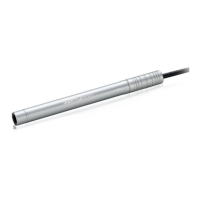
SUPEREYES Handheld Digital Microscope (End-scope) User's Manual
Generated by Foxit PDF Creator © Foxit Software
http://www.foxitsoftware.com For evaluation only.


 To Next Page