Chapter 2: Confi guring BMC IPMI Settings
2-25
2.5.1.1 Console Redirection - Video
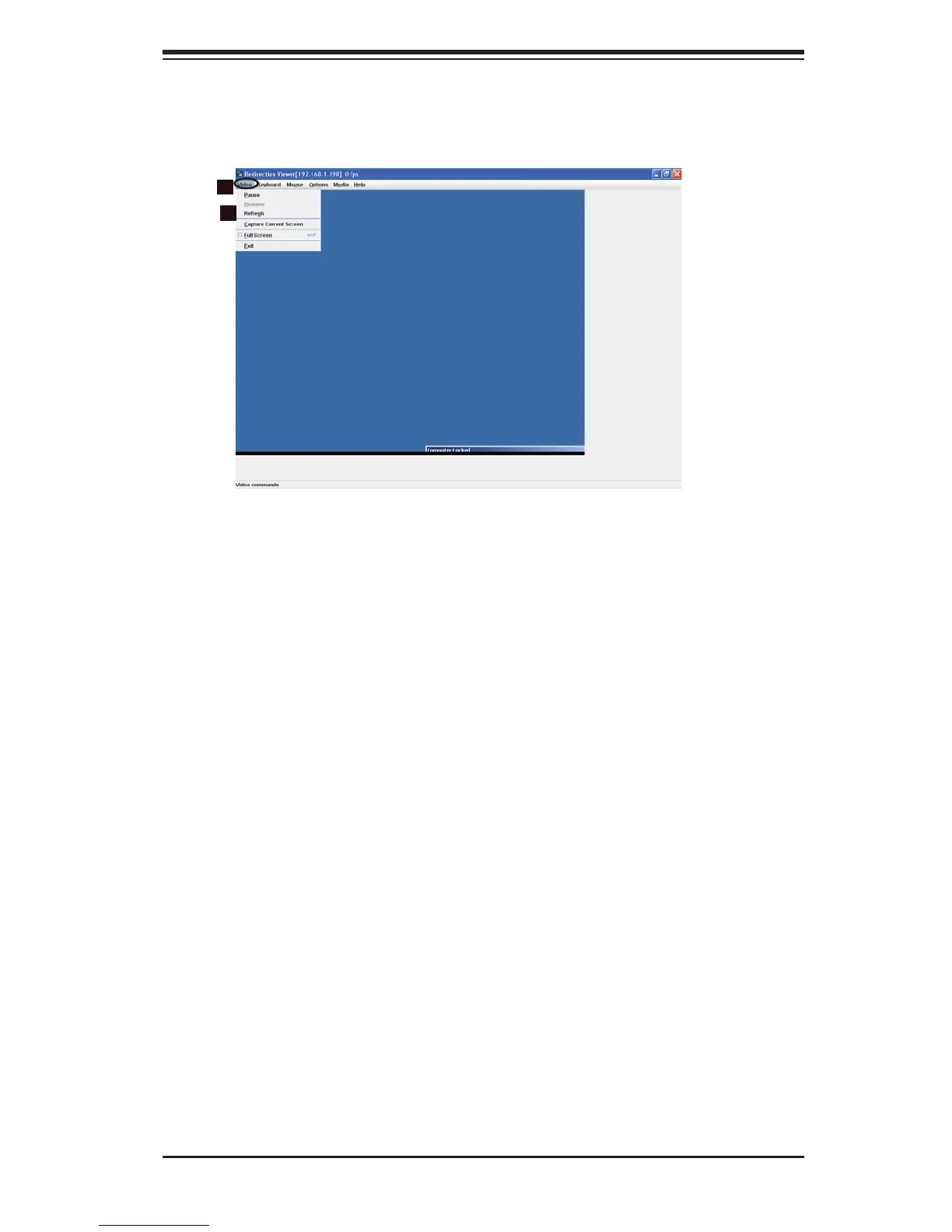
When you click on the Video icon in the Menu bar (1), the video settings of the
remote console will display as shown below.
Video
1. Video: Click this item to confi gure and manage the video settings of a server on a
remote site via Console Redirection.
2. Options: The pull-down submenu contains the options listed below.
Pause
• : Click this item to freeze the screen.
Resume
• : Click this item to re-activate a frozen screen.
Refresh
• : Click this item to refresh the system.
Capture Current Screen• : Click this item to capture the current screen dis-
play.
Full Screen
• : Click this item to use the full screen mode.
Exit
• : Click this item to exit Console Redirection.
2
1



 To Next Page