Chapter 2: Confi guring BMC IPMI Settings
2-31
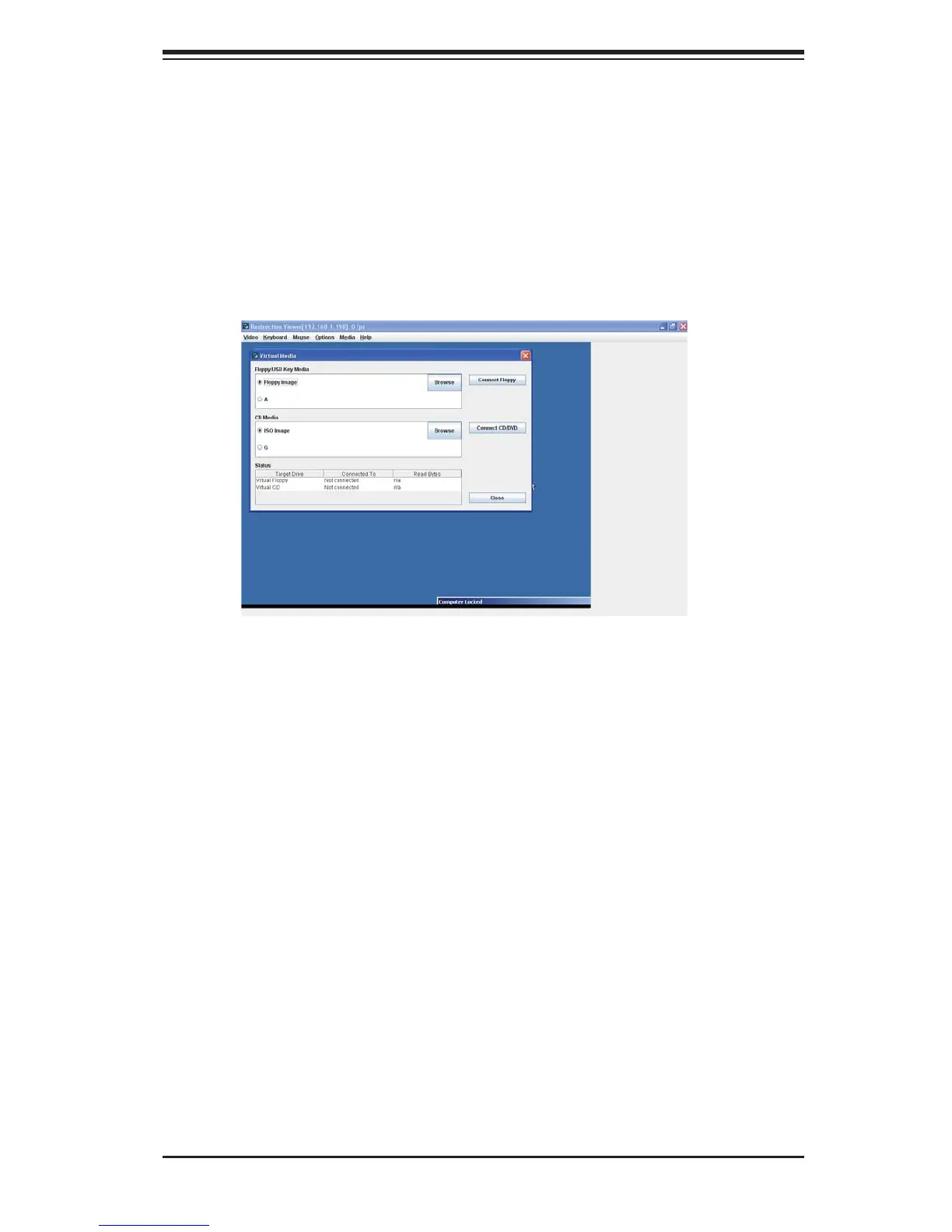
Virtual Media
Floppy/USB Key Media: This item allows the user to confi gure the Floppy/1.
USB Key Media settings. You can choose from the following items:
Floppy Image
•
A (Disk Drive A of the remote console)•
Browse: Click Browse to select the location of the Floppy ISO image.•
Connect Floppy: After selecting the Virtual Media for your Console Redirec-2.
tion, click on the Connect Floppy icon to connect to the remote console via
the Floppy drive you chose.
CD Media: This item allows the user to confi gure CD Media settings. You can 3.
choose from the following items:
ISO Image
•
<Drive letter> (CD/DVD Drive)•
Browse: Click Browse to select the location of the CD/DVD ISO image.•
Connect CD/DVD: After selecting the Virtual Media for your Console Redirec-4.
tion, click Connect CD/DVD to connect to the remote console via the CD/DVD
you chose.
Status: This window displays the status of the target drive of the remote 5.
console.



 To Next Page