Chapter 2: Confi guring BMC IPMI Settings
2-39
5 6
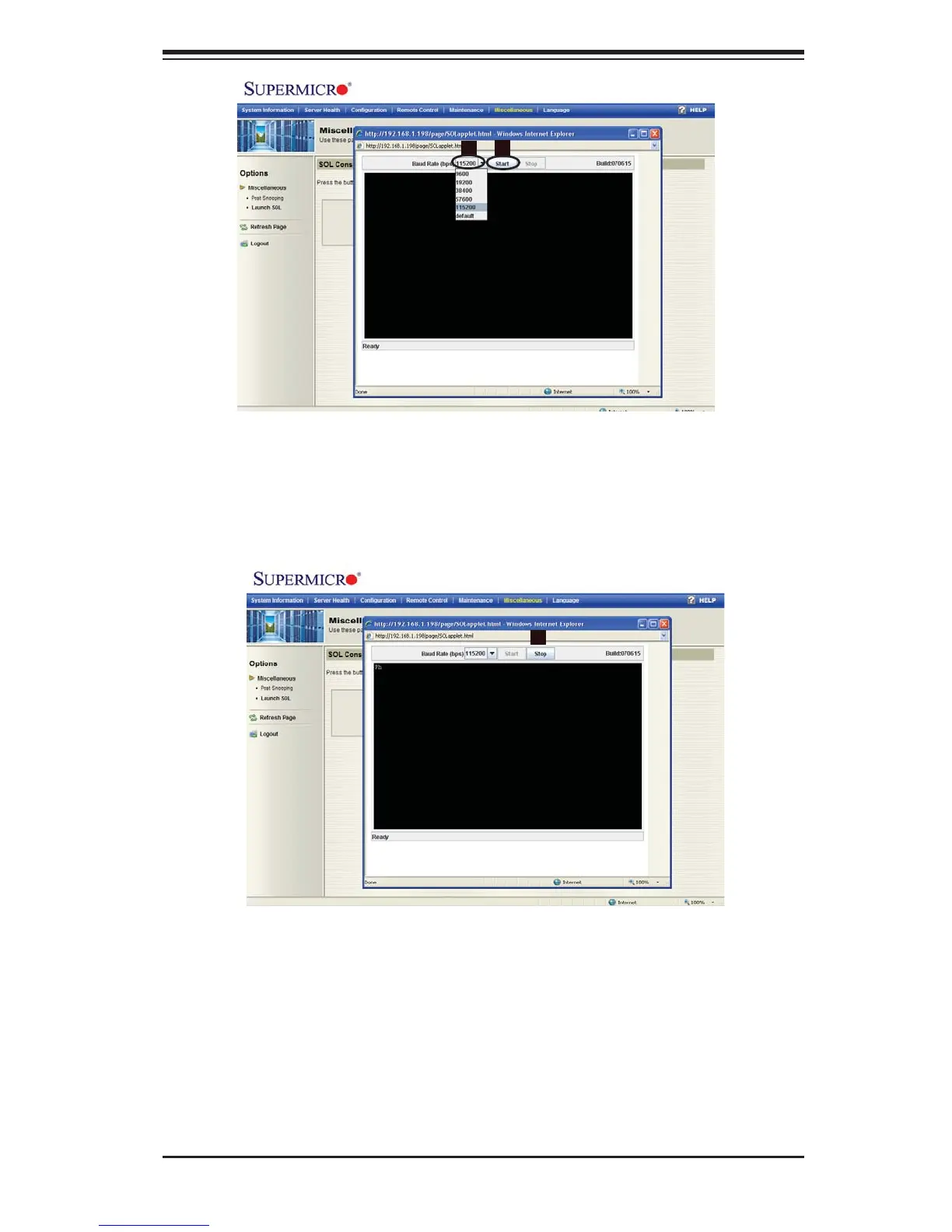
Baud Rate (bps): You can select a Baud rate from the list as your SOL trans-5.
fer rate. The options are: 9600 bps (bit-per-second), 19200 bps, 38400 bps,
57600 bps, 115200 bps, and default.
Once you've selected the Baud rate, press <Start> to launch SOL.6.
7
You can also press <Stop> to abort the process of SOL launching.7.



 To Next Page