— 40
© 2016 Skier’s Choice, Inc.
2016-07-26 1611937
-16-
Media
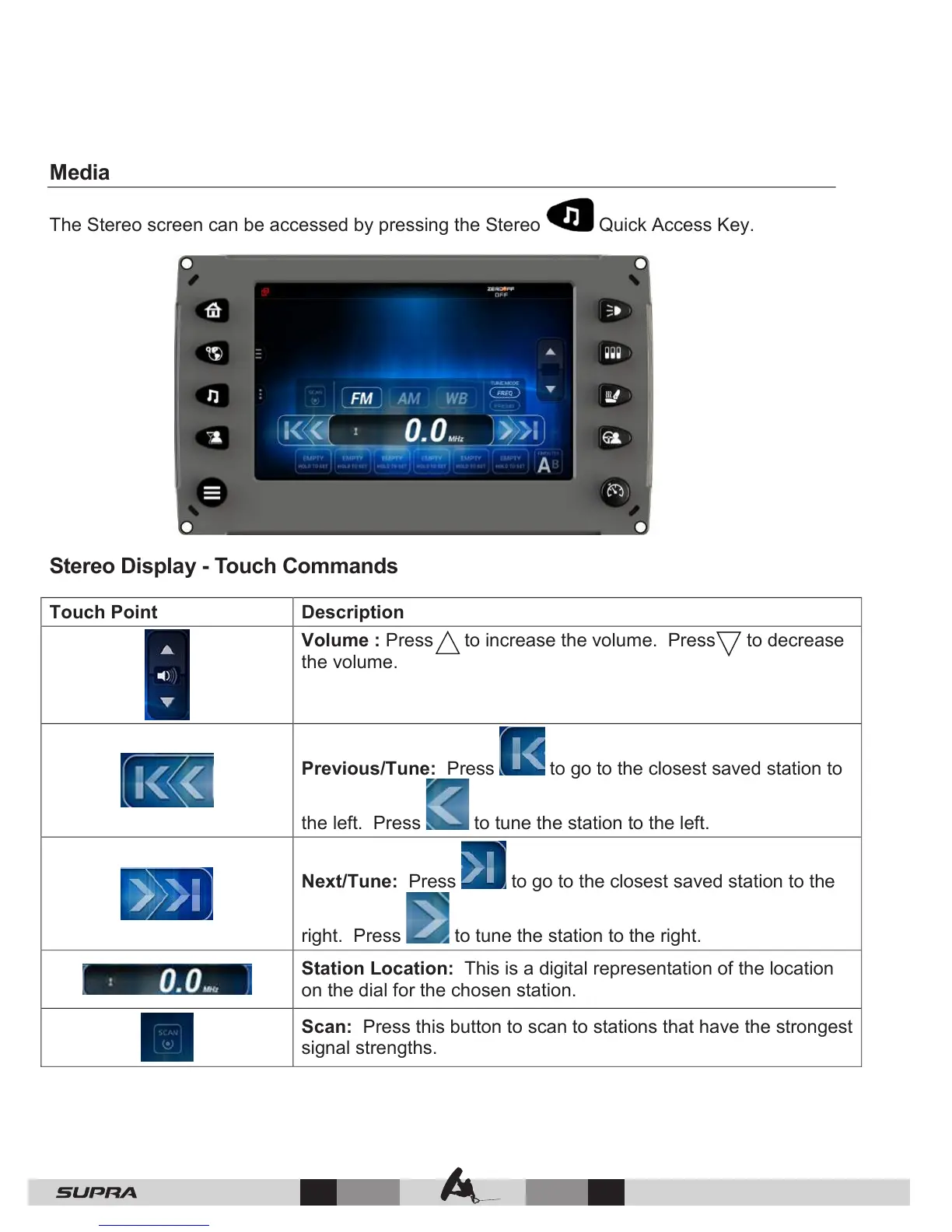
The Stereo screen can be accessed by pressing the Stereo Quick Access Key.
Stereo Display - Touch Commands
Volume : Press to increase the volume. Press to decrease
the volume.
Previous/Tune: Press to go to the closest saved station to
the left. Press to tune the station to the left.
Next/Tune: Press to go to the closest saved station to the
right. Press to tune the station to the right.
Station Location: This is a digital representation of the location
on the dial for the chosen station.
Scan: Press this button to scan to stations that have the strongest
signal strengths.



 To Next Page