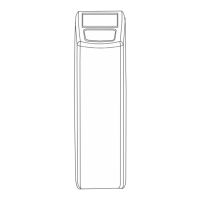
ELECTRONIC CONTROL PANEL
11
Exit
Press the up z or down button to save the
®
settings into the NOVRAM and exit the programming
mode.
STEP 5. Press the scroll button again, the display
will show:
Press the up or down button to set the
hardness of the incoming untreated water.
Set Hardn: XX °f
MAINTENANCE
Regularly the user should perform a basic check to verify
if the appliance is functioning correctly, on the basis
of the following control points:
1. Check settings of electronic control panel.
2. Measure water hardness before/after appliance.
3. Check drain line from control valve; there
shouldn't be any water flow (unless appliance
is in regeneration).
4. Check drain line from cabinet overflow; there
shouldn't be any water flow.
5. Check appliance and surrounding area; there
shouldn't be any water leakages.
ROUTINE CHECKS
Occasionally it may be necessary to put the appliance
hydraulically in bypass, i.e. to isolate it from the water
distribution system; f.e.:
- in case of an urgent technical problem;
- when it is not necessary to supply treated water
to the house/application (refill swimming pool, irrigation,...).
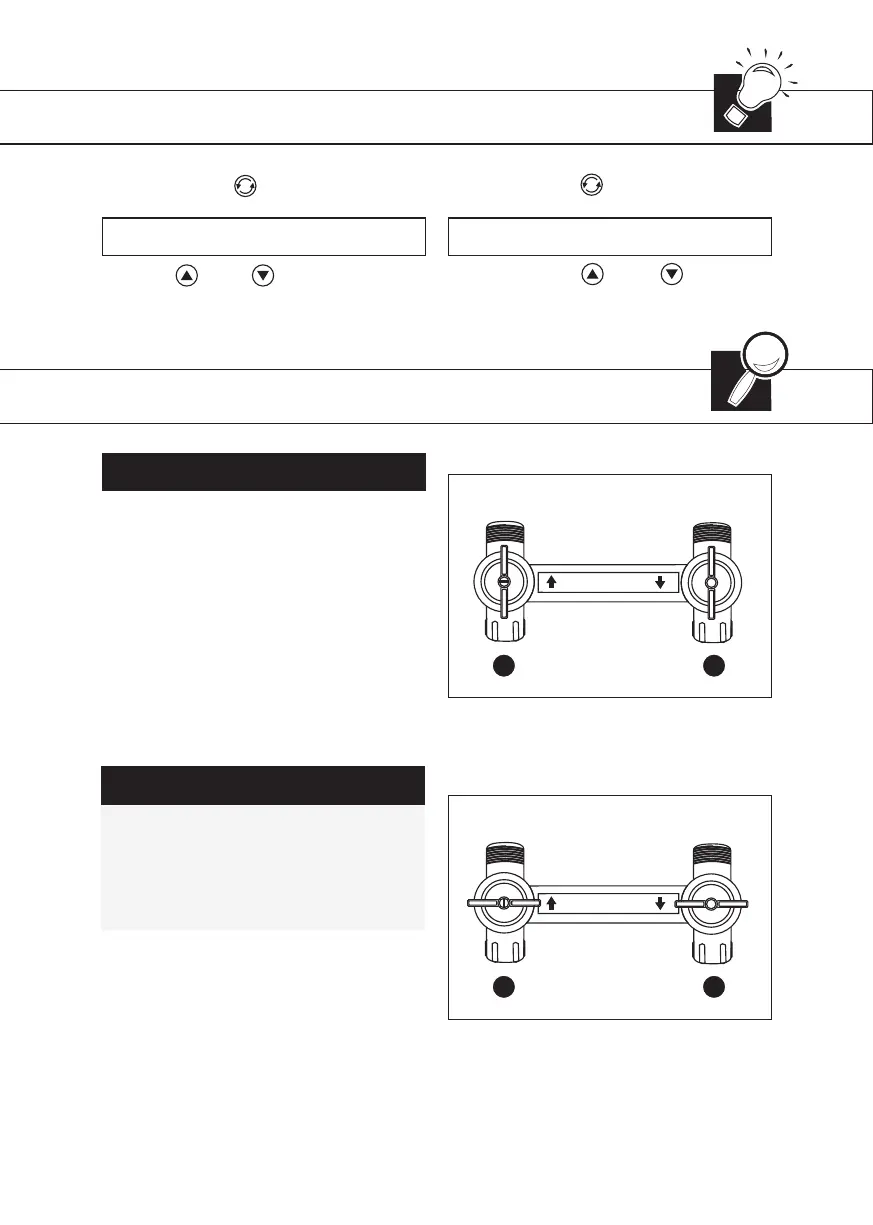
BYPASSING THE APPLIANCE
WITH FACTORY BYPASS (optionl)
SERVICE POSITION [1]
1. inlet valve to appliance is OPEN.
2. outlet valve from appliance is OPEN.
BYPASS POSITION [2]
1. inlet valve to appliance is CLOSED.
2. outlet valve from appliance is CLOSED.
STEP 4. Press the scroll button again, the display
will show:


 To Next Page