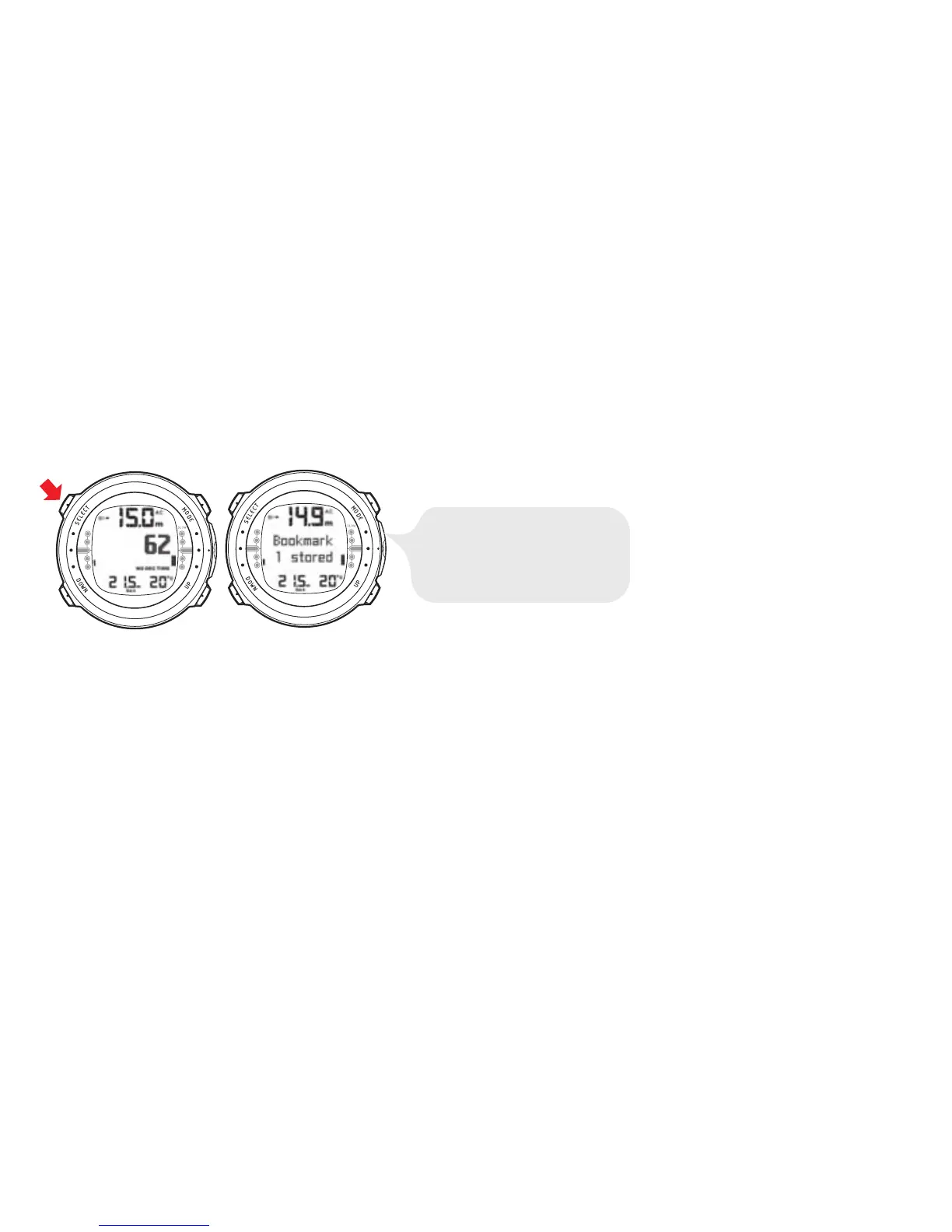
6.1.2. Bookmark
It is possible to record bookmarks in the profile memory during a dive. These bookmarks
are displayed when scrolling the profile memory on the display. The bookmarks will
also be shown as annotations in the downloadable Suunto Dive Manager PC software.
The bookmark logs the depth, time and water temperature.
To make a bookmark in the profile memory during a dive, press the SELECT button.
A brief confirmation will be given.
6.1.3. Ascent rate indicator
WARNING
DO NOT EXCEED THE MAXIMUM ASCENT RATE! Rapid as-
cents increase the risk of injury. You should always make the
Mandatory and Recommended Safety Stops after you have ex-
ceeded the maximum recommended ascent rate. If this Mandatory
Safety Stop is not completed, the decompression model will
penalize your next dive(s). Continuous ascent rate violations will
result in Mandatory Safety Stops. When Recommended Deep
Stop is enabled, the length is indicated in seconds.
52



 To Next Page