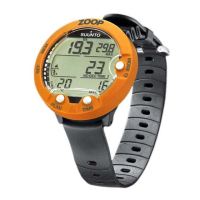
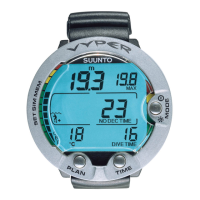
•
depth profile of the dive
•
dive time
•
preceding surface interval time
•
dive number
•
dive start time (year, month, day and time)
•
dive computer settings
•
oxygen percentage settings and maximum OLF (in NITROX mode)
•
tissue calculation data
•
real-time water temperature
•
additional dive information (e.g. SLOW and Mandatory Safety Stop violations, Diver
Attention Symbol, Bookmark, Surfaced Mark, Decompression Stop Mark, Ceiling
Error Mark)
•
dive computer serial number
•
personal information (30 characters)
Using SDM, you are able to enter setup options such as:
•
input a personal, 30-character field into the Suunto D4
•
reset the Scuba History’s maximum depth to zero
•
reset all Free Dive History
It is also possible to manually add comments, multimedia and other personal information
to the PC-based dive data files.
75


 To Next Page