12 REVIEWING HISTORY
You can review the cumulative information of your saved exercise sessions
and the information of your previous exercise.
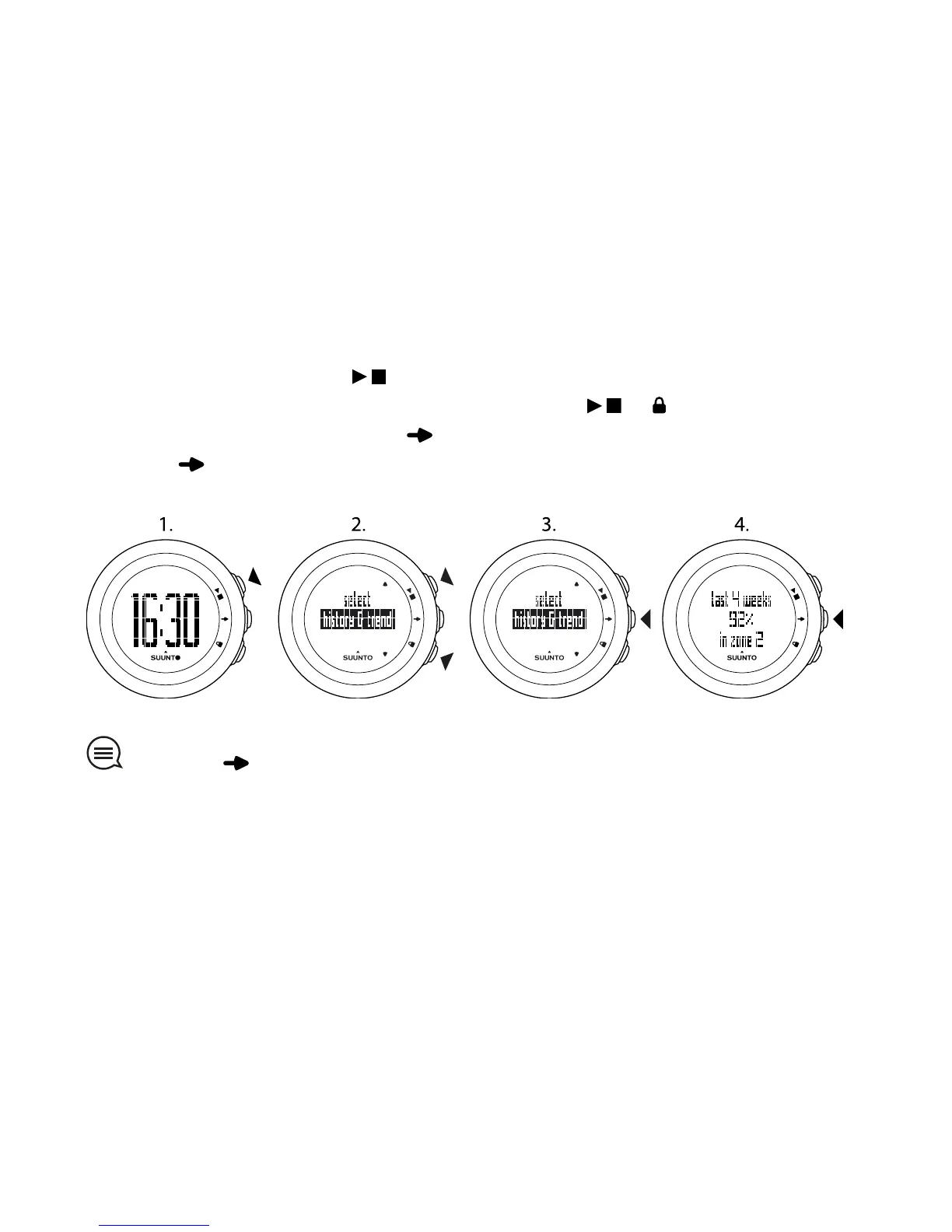
To review history & trend or prev. exercise:
1. In the time view, press .
2. Select history & trend or prev. exercise with or .
3. Confirm your selection with .
4. Press to browse through the views. After you have browsed through
the views, the device returns to the time view.
TIP: Keep pressed at any time to return to the time view.
12.1 History & trend
History & trend shows you the cumulative information of your saved exercise
sessions.
You can view the following information:
●
number and duration of all saved exercises
●
number and duration of the saved exercises during the last 4 weeks
22



 To Next Page