31
When the indication is set to “OFF”, the display
screen for that item is skipped and the next
screen is displayed. (Refer to the SCREEN
SELECTION section)
NOTE:
It is not possible to set all the display items to
OFF (hidden). Please set at least one (1) dis-
play item to be displayed.
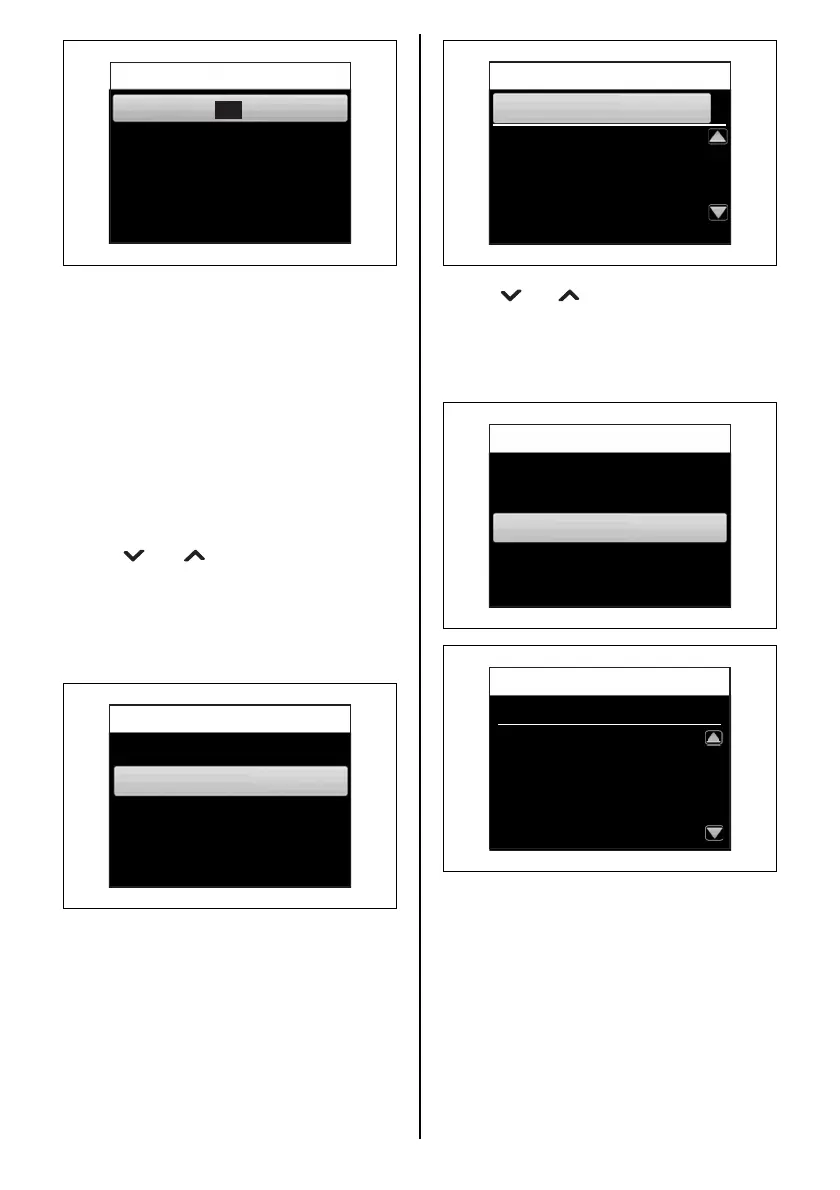
5. Device list
Displays a list of the devices connected to the
multifunction gauge.
Use the [ ] or [ ] buttons to select “CAN2”
and press the [SET] button to display the multi-
function gauge information and information
about the devices connected to the multifunc-
tion gauge (such as other multifunction
gauges).
Display
A
D
OFF
Speed & Fuel
ON
OFF
Fuel
A2
D
OFF
All
A1
Tacho
DOFF
A
Device List
External
CAN 2
Use the [ ] or [ ] buttons to select “EXTER-
NAL” and press the [SET] button to display the
multifunction gauge serial number and informa-
tion about the devices connected to the NMEA
line (such as the GPS module).
Device List
33920-98L20 0
CAN 2
33920-98L20 1
34200-96L40 1
34200-96L40 10
34200-96L41 0
Device List
CAN 2
External
Serial No. 00000CB8
POINT-1 GPS
6271
Device List
External



 To Next Page