Quantum - Tool Recognition
Start using Quantum ToolRec
Doc-0001374, Rev B
Sida 14
Add a pre-registred machine
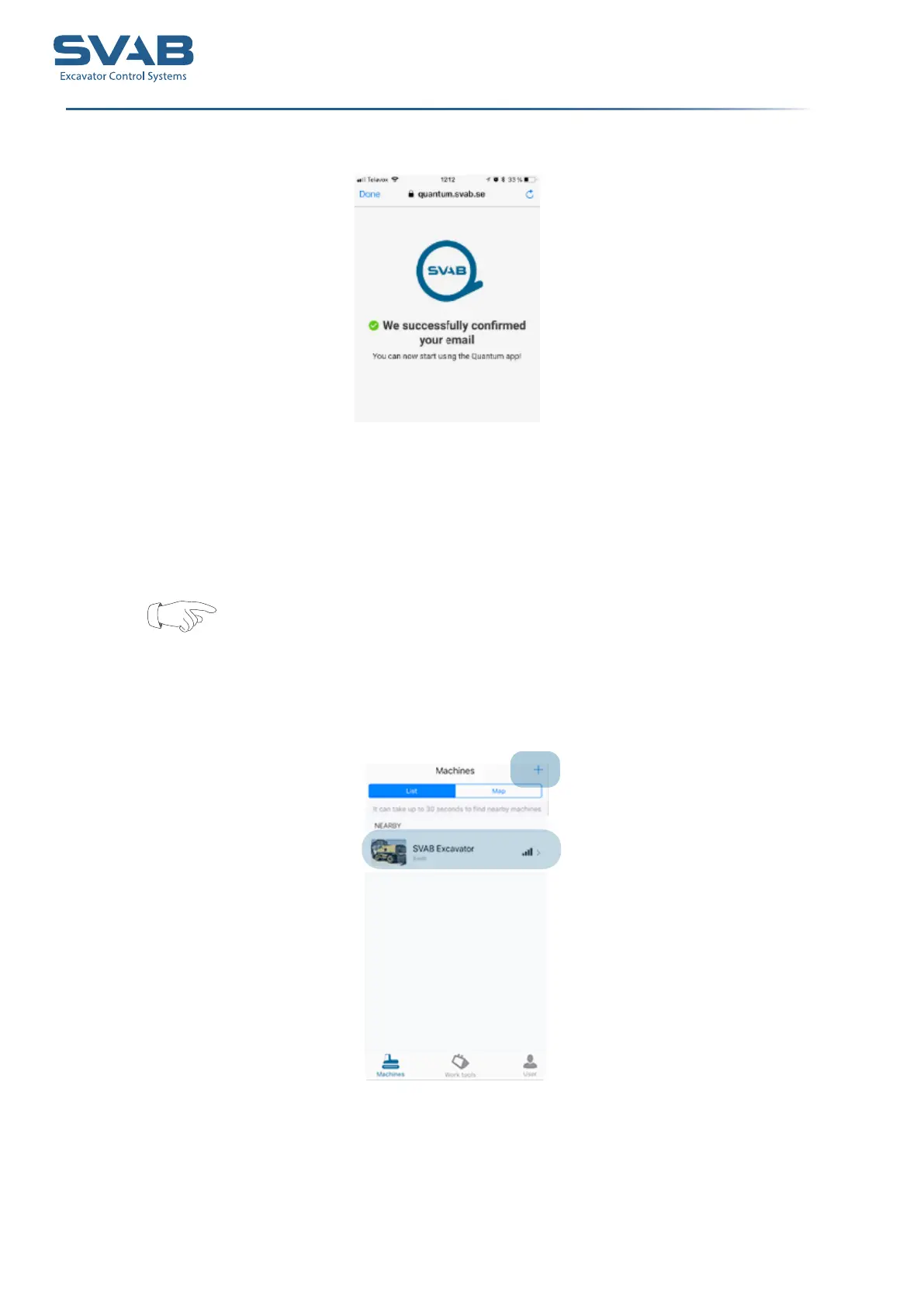
1. Go to ”Machines” to register a new machine.
Please note that the machine must be running in order for the system to function
2. Press the + sign to scan for and register machines.
If your machine was congured in a work shop, your machine will show up as a
machine nearby.
3. Click on the machine to open the prole.
4. To edit the given information, click on ”Edit”. From here, you can change the
name and change or add a picture..
5. Press ”Save” when you are done. The machine is added to your list..



 To Next Page