Quantum - Tool Recognition
Start using Quantum ToolRec
Doc-0001374, Rev B
Sida 15
Register a new machine
If the machine hasn’t been registered before, it needs to registered from start.
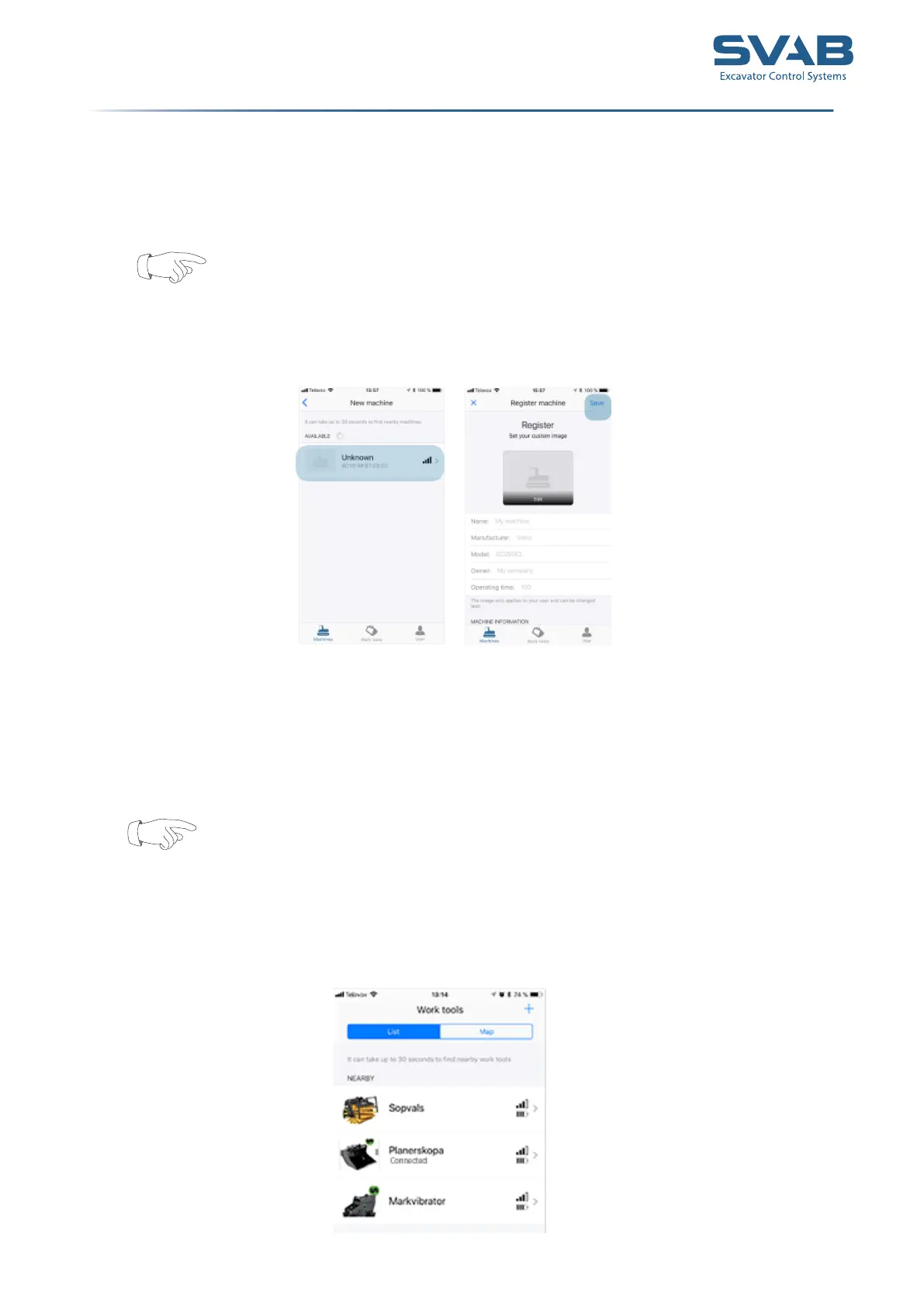
1. Go to ”Machines” to register a new machine
Please note that the machine must be running in order for the system to
function
2. Press the + - sign to scan for and register machines
3. The machine will show up as unknown machine. Click on the
machine to register. Name the machine and add a picture if desired.
4. Press ”Save” when you are done. The machine is added to your list.
Add a pre-registered tool
1. Go to ” Work tools” to register a tool.
Please note that the machine must be running in order for the system to
function
If your machine was congured in a work shop, one or several tools will be
available in the app.
2. Press the + - sign to scan and register for a tool.
3. Click on the tool to be registered.



 To Next Page