Quantum - Tool Recognition
Start using Quantum ToolRec
Doc-0001374, Rev B
Sida 16
4. To edit given information, press ”Edit”. From here, you can change
name or add or change a picture if desired .
5. Press ”Save” when you are done. The tool will be added to your list.
Register a new tool
If the tool hasn’t been registered before, it needs to registered from the start.
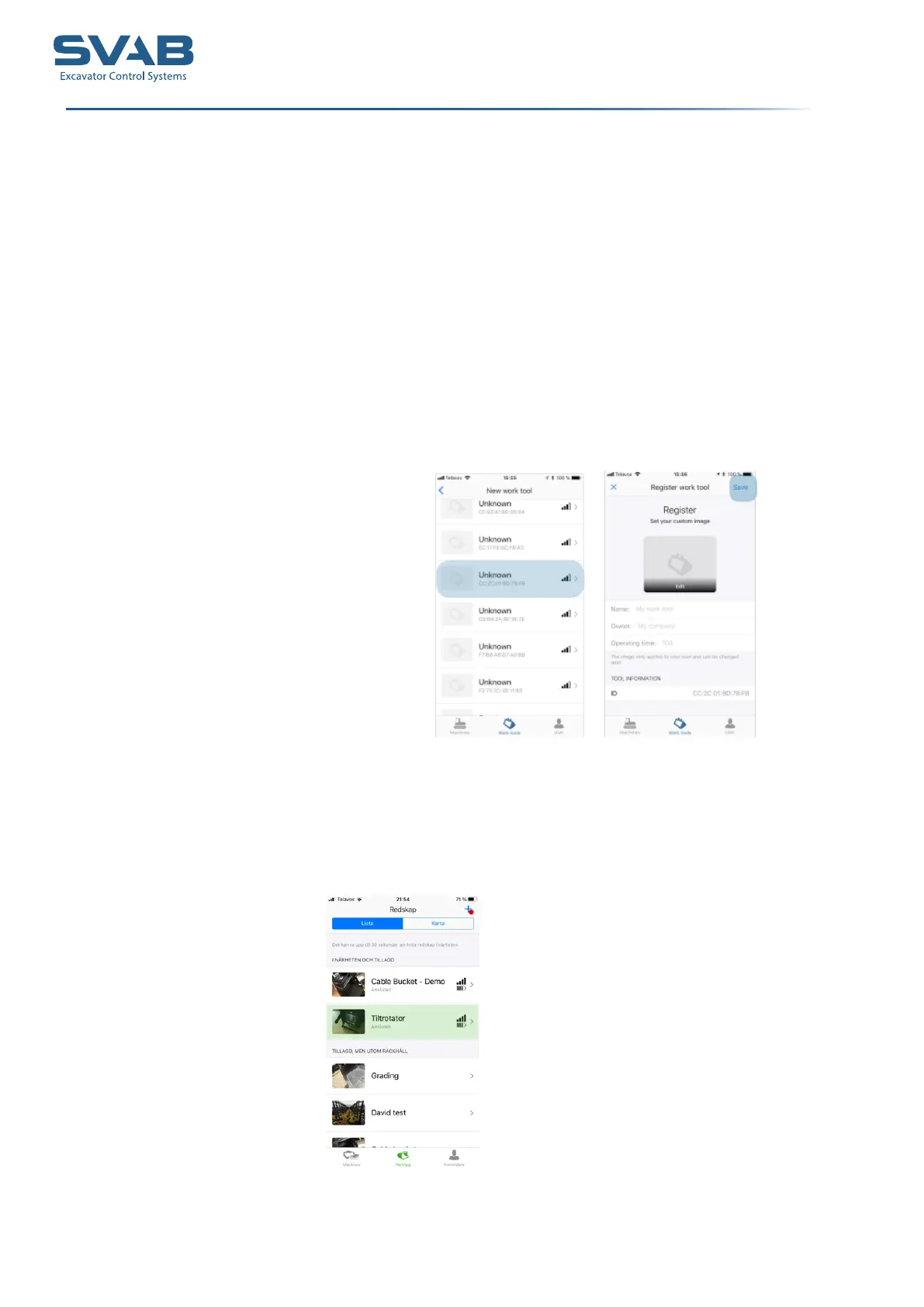
1. Go to ” Work tools” to register a tool.
2. Press the + - sign to scan and register for a tool.
3. The tool will show up as ”Unknown” , with a MAC-adress. Compare
the numbers on the installed TRM-module.
4. Select the tool to be registered. Name the tool and add a picture if
desired.
5. Press ”Save” when you are done. The tool will be added to your list.
Tiltrotator TRM
The Tiltrotator TRM is predined from factory and will show up on the screen



 To Next Page