Quantum - Tool Recognition
Start using Quantum ToolRec
Doc-0001374, Rev B
Sida 17
Connect a machine
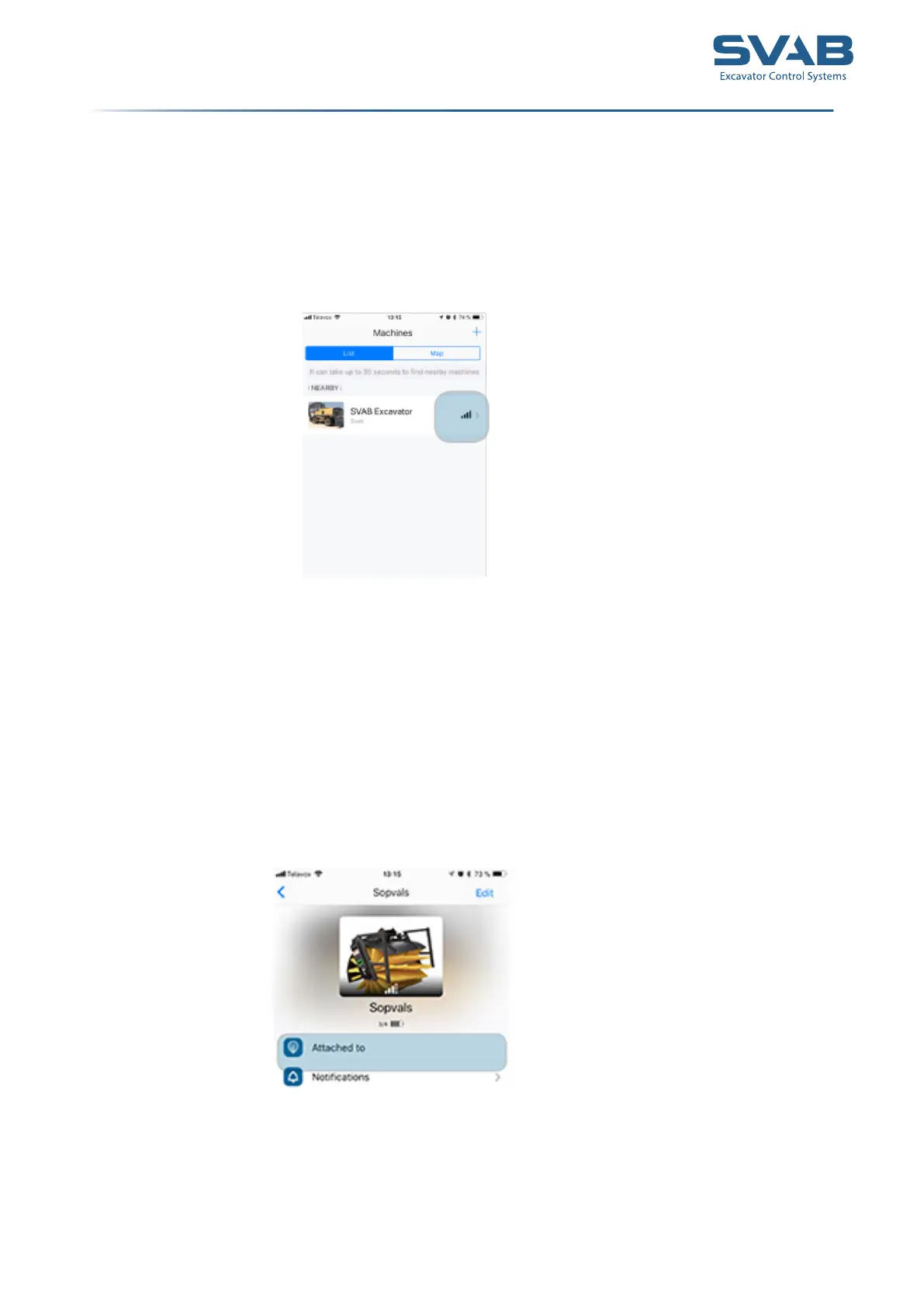
You can have several machines added to your list. When you start your machine,
Quantum hub will start up and scan for machines and tools.
You can see if your machine is available looking at the strength of the signal, to the
right.
Connect a tool
1. Start the machine.
2. Activate quick coupler and lock to a tool.
3. Quantum Toolrec will now start to scan for and connect to the
tool in the app.
4. You can verify that the tool is connected to your machine under
”Working tools”.
Connect machines and tools



 To Next Page