Programming shut down
-
Under the running of appliance, please press the button, the screen will display
1-24 hours.
-
Press several times until the corresponding time is displayed. Wait about 5 seconds, the
timer will be active, then “Timer” symbol is displayed on screen.
-
Press again the “ ”button, the timer will be canceled, and the ”Timer” symbol will
disappear from screen.
Switch the unit of temperature
When the appliance is running, hold on “
△
” and ”
▽
” button together 3 seconds by the
same time, then you can change the unit of temperature.
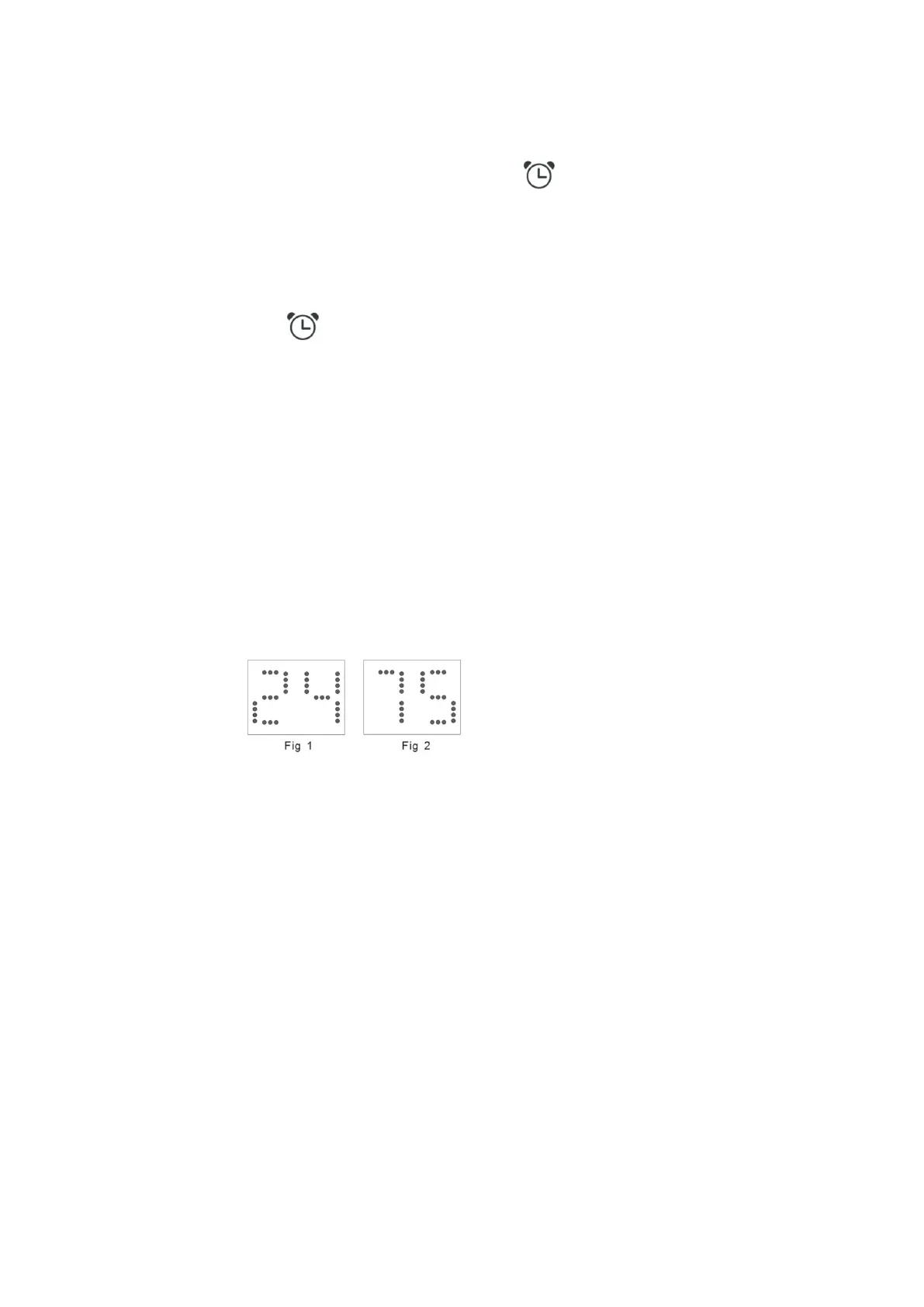
For example:
Before change, in cool mode, the screen display like fig1.
After change, in cool mode, the screen display like fig2.



 To Next Page