FAN mode
When using the appliance in this mode, the air hose does not need to be attached.
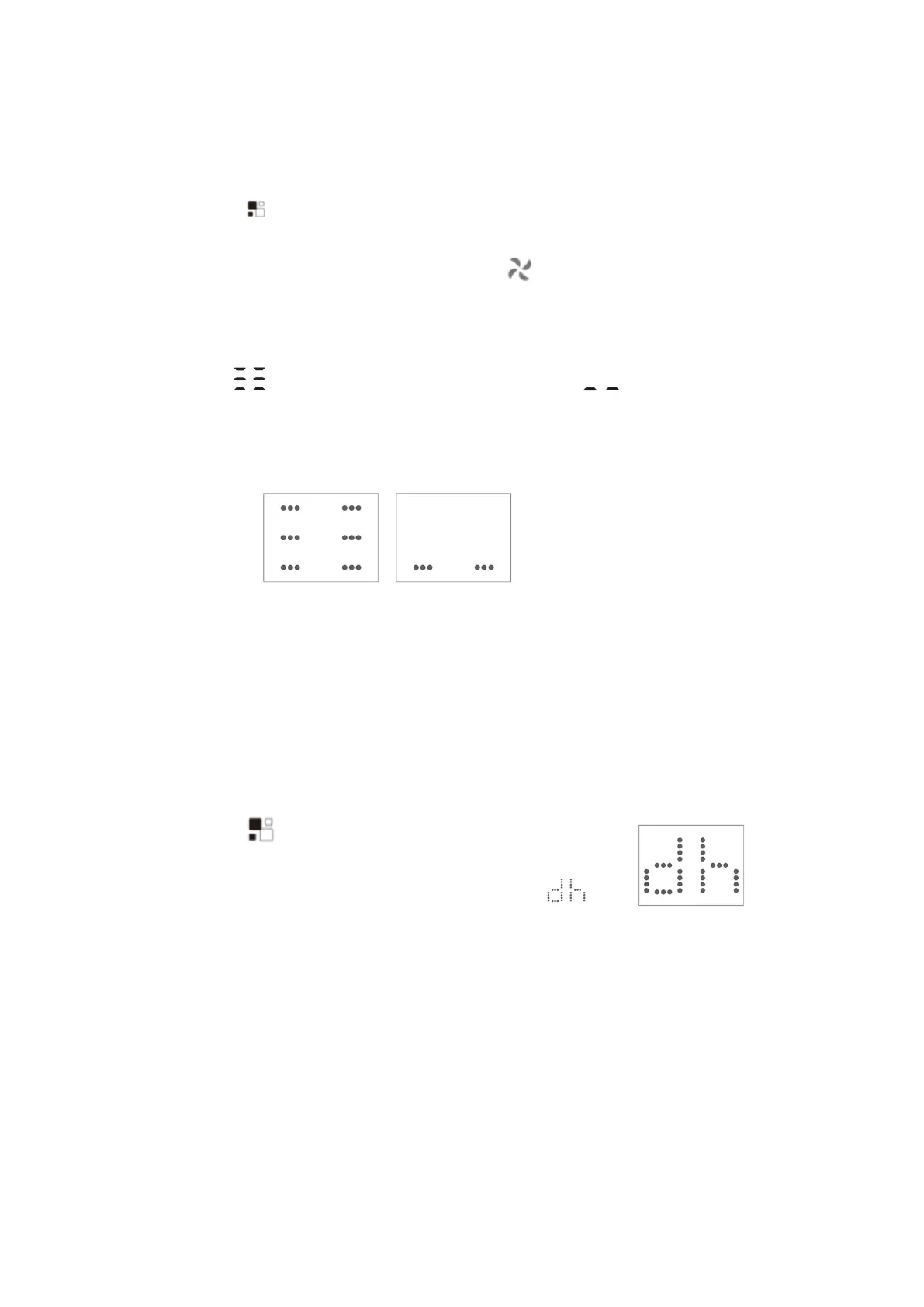
- Press the
“ ”
button a number of times until the
“
Fan
”
symbol light appears.
- Select the required fan speed by pressing the
“ ”
button.
Two speeds are available: High/Low
- If appear
“ ”
symbol standard for high speed fan, and
“ ”
stand for low speed
fan.
As the figure below:
DRY mode
Ideal to reduce room humidity (spring and autumn, damp rooms rainy periods, etc).
In dry mode, the appliance should be prepared in the same way as for cool mode, with the
air exhaust hose attached to enable the moisture to be discharged outside.
To set this mode correctly:
- Press the
“ ”
button a number of times until the
“
Dry
”
symbol light appears, the screen will appear
“ ”;
- In this mode, fan speed is selected automatically by the appliance
and default low speed fan.



 To Next Page