ENG
3
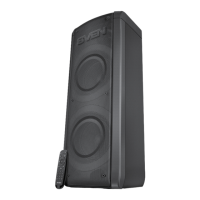
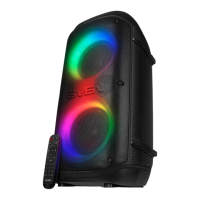
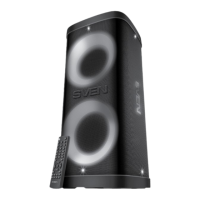
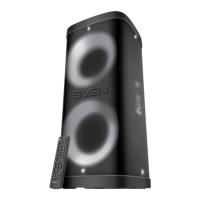
PS-720
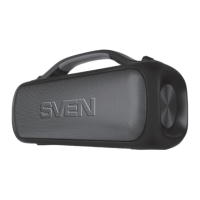
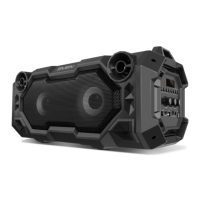
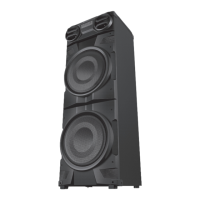
PS-750
User Manual
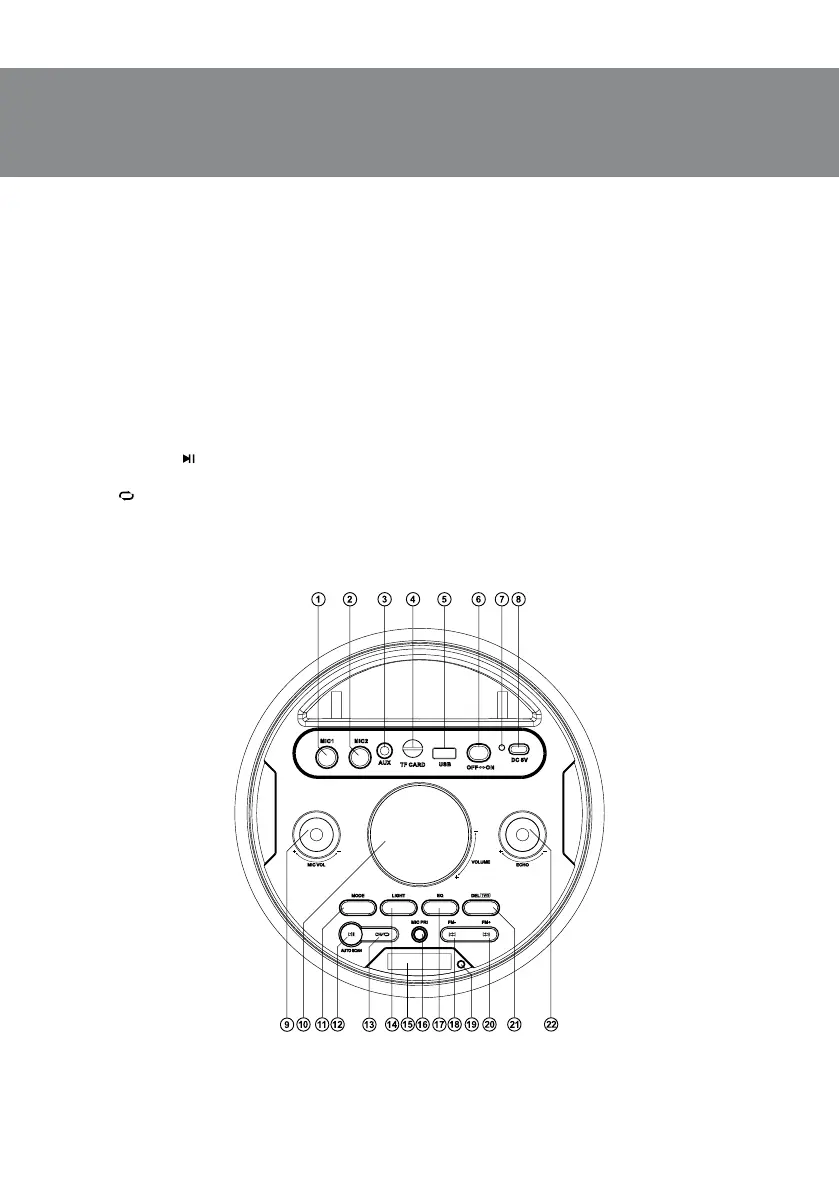
Speaker system description
a MIC1: 6.3 mm jack microphone jack.
b MIC2: 6.3 mm jack microphone jack.
c AUX: 3.5 mm mini-jack for audio signal connecting (phone, MP3 player, etc.).
d TF CARD: micro SD card slot.
e USB: USB-ash card slot.
f ON/OFF: power button.
g Indicator.
h DC 5V: USB type-C jack for charger connecting, the USB port of laptop/PC.
i MIC VOL +/-: microphone volume control knob.
j VOLUME +/-: volume control knob.
k MODE: switching modes button: Bluetooth/Radio/Player/LINE IN (short pressing); ON/OFF
the service signals (long pressing).
l AUTO SCAN/
: Play/Pause button (in Player and Bluetooth mode); Start/Stop auto scan (long
pressing in Radio mode); Mute (short pressing in Radio and LINE IN mode).
m CH/
: button for switching between stations or frequency (in Radio mode); Repeat mode
selection button (in the Player mode): ONE — repeats the current track; RAND — play tracks
inthe random order; ALL — plays all tracks in the sequential order; Disconnect from device
(long pressing in Bluetooth mode); Save the selected frequency of the radio station in memory
(long pressing in Radio mode).
Fig.1.


 To Next Page