ENG
5
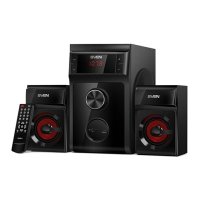
PS-720
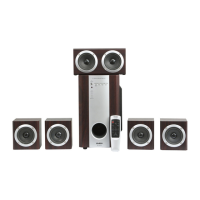
PS-750
User Manual
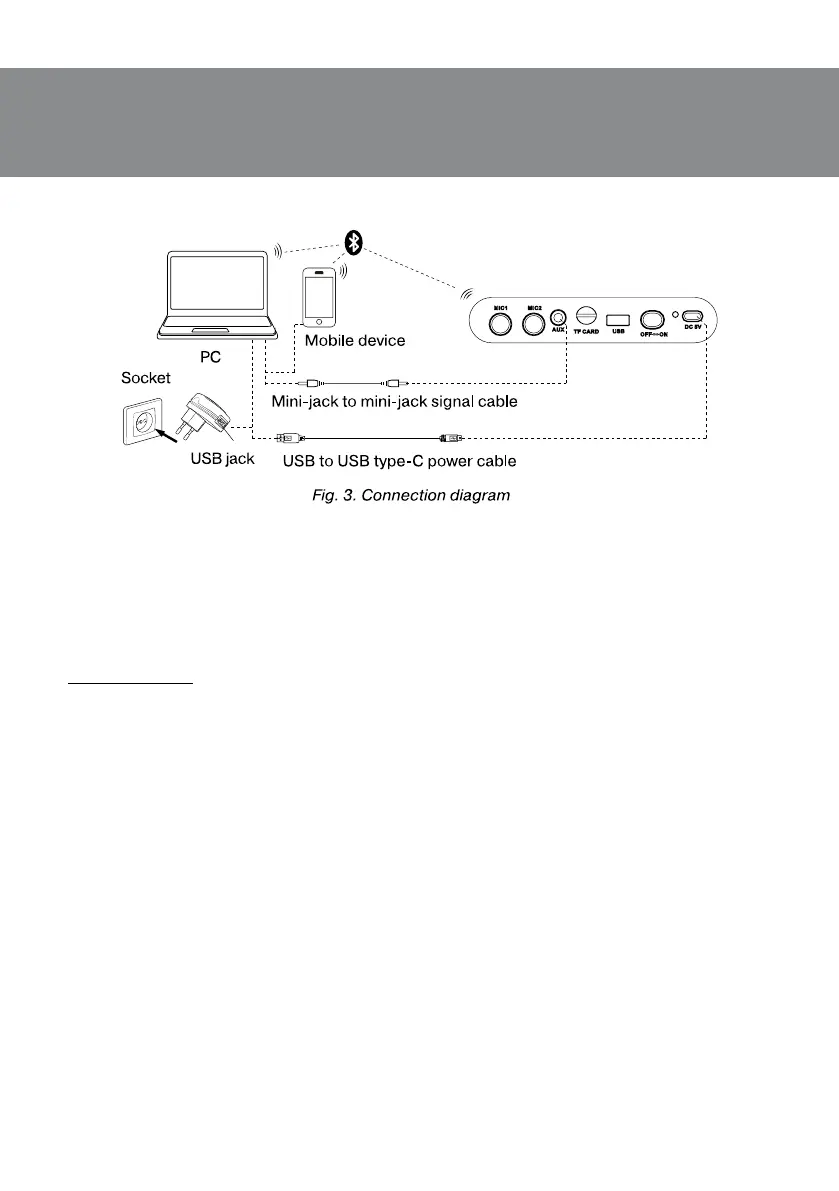
• Turn on the speaker system Bluetooth mode — press button МODE k several times until
display shows «bt» inscription.
• It is necessary to select the search mode of devices with Bluetooth on a signal source (tele-
phone, notebook, smartphone, etc.). «SVEN PS-720/750», massage will be displayed onthescreen
whichis to be connected to*.
• When connection is successful, there will be a short beep and the indication of the search
mode on speaker system is over**.
* You might have to enter «0000» code to connect some models of devices via Bluetooth.
** If the item has been already registered in the device list of a source, then the second search
mode activation is not obligatory. Choose the item name «SVEN PS-720/750» and the “connect”
command on the source.
Radio mode
Attention! To improve the reception quality of the radio signal, connect the 3.5 mm mini-jack
cable (included) to the AUX input
c.
• Turn on the speaker system — press button МODE k several times until the display shows
the station frequency. Long-term pressing button l activates auto search mode. After scan-
ning completion, the rst scanned radio station will start to operate automatically. With buttons
r and t select a desired radio station.
Player mode
Attention! The le system of a micro SD carrier is FAT32. Maximum volume is 32 GB. Itisnotrec-
ommended to use the micro SD Ultra Speed.
• The system will enter the Player mode automatically when a carrier (USB ash or SD card)
isconnected to corresponding ports. Use button l to switch between Play/Pause modes. Youcan
control tracks by using buttons r (previous track) and t (next track).


 To Next Page