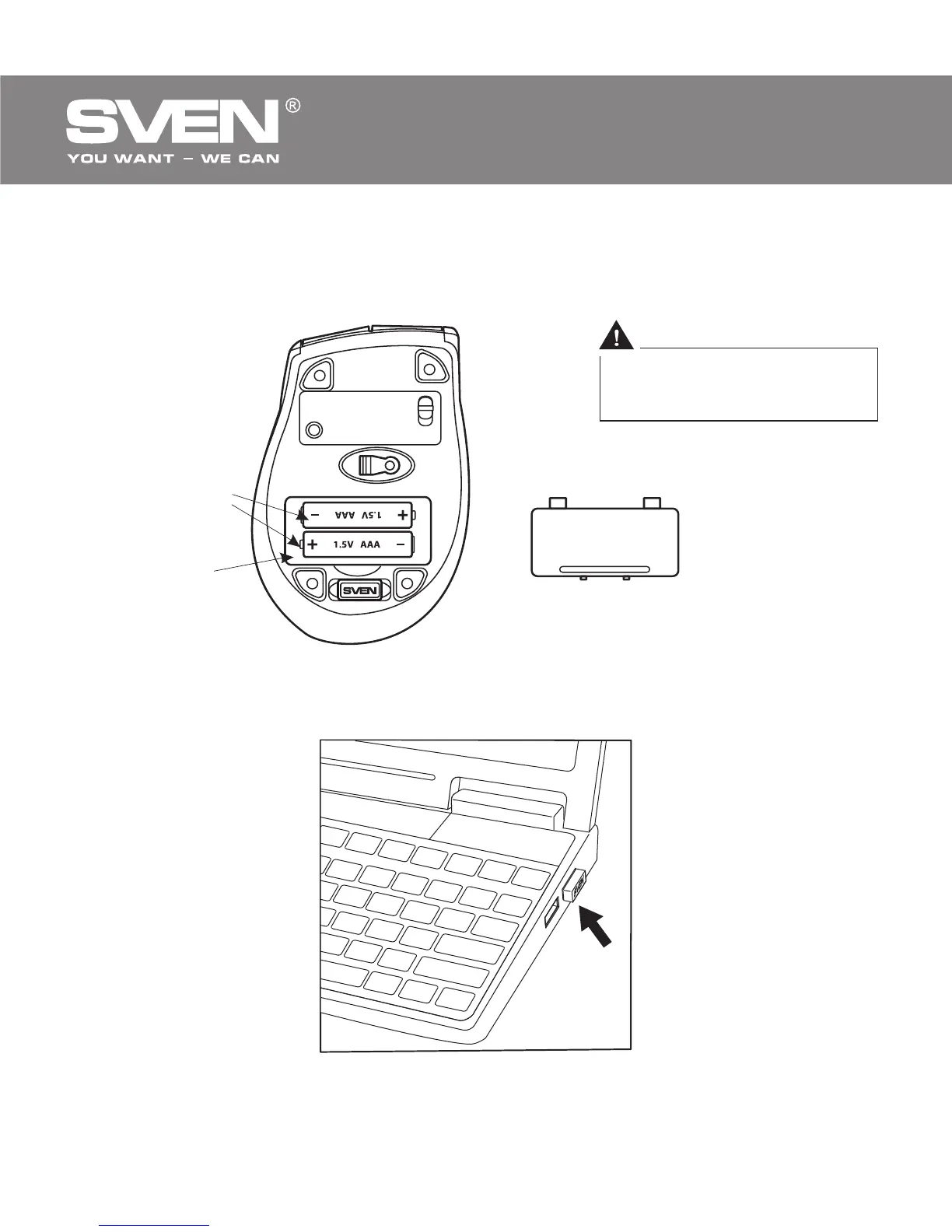
ААА batteries
Battery
compartment
Battery compartment
cover
Fig. 4. Battery installation
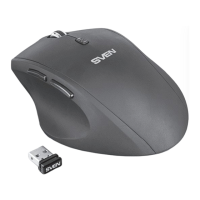
Fig. 5. Receiver connection
Improper installation of
batteries can result in failure
of the mouse!
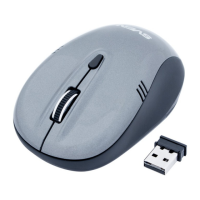
• Turn on the mouse with the on/off switch d (the ON position). To activate
the mouse, press any button of the mouse or turn the scroll wheel. If the
mouse is connected correctly, it will turn on automatically.
ENG
4
Wireless Optical Mouse


 To Next Page