CONNECTING & CONTROLLING YOUR SUBWOOFER
Enable and adjust the on-board low pass filter of the PC-4000 for a smooth blend with the main
speakers.
NOTE: For additional guidance on speaker/subwoofer crossover settings, please consult our Sound
Experts or our Merlin subwoofer matching tool at www.svsound.com/merlin.
www.svsound.com • custservice@svsound.com • (877) 626-5623
3V-12V Trigger Input
This feature will automatically turn the subwoofer on/off when a signal is sent to the trigger input
from another component in the system (typically the pre/pro or AV receiver). The other compo-
nent in the system must be equipped with a trigger output feature and requires a TS 1/8” mono
cable (pictured below).
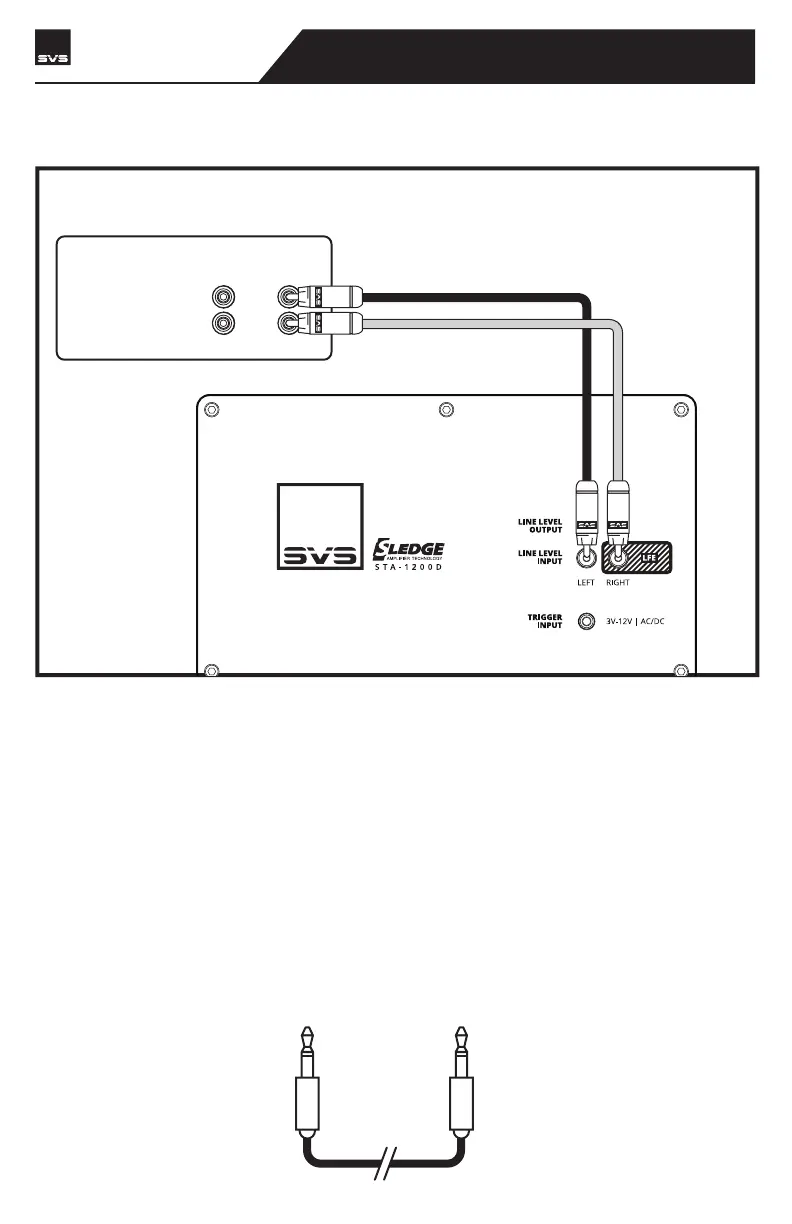
LINE LEVEL OUTPUTS
REAR FRONT
R
L
RECEIVER/PREAMP
1/8” TS
MONO CABLE
Line Level Connection – Stereo Receiver or Preamplifier Left/Right Channels (cont’d)
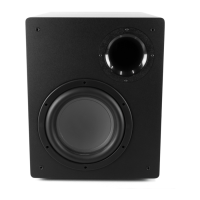
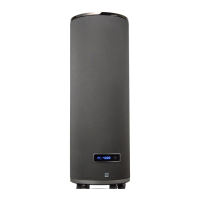
PC-4000
SUBWOOFER
page 8 | owner’s manual


 To Next Page