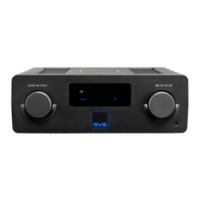
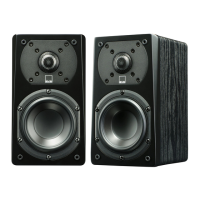
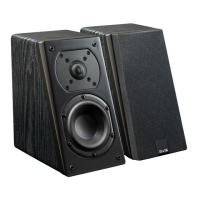
Below is a simple list of commands you can use with your Prime Wireless Pro Powered Speakers System. Keep in mind,
these commands are simplified, but Alexa will understand and interpret some natural language, so saying “Stream”
instead of “Play”, or “on” instead of “in” is also acceptable.
Initiating Streams (example: Alexa play Reggae in the Living Room)
Alexa Play [Artist] in [Zone]
Alexa Play [Album] in [Zone]
Alexa Play [Song] in [Zone]
Alexa Play [Station] in [Zone]
Alexa Play [Podcast] in [Zone]
Alexa Play [Song] from [Album] by [Artist] on [Music Service] in [Zone] or less specific variations of this and everything in-
between
Controlling Streams (Alexa or DTS Play-Fi)
Alexa Next or Next Track
Alexa Previous or Previous Track
Alexa Pause or Stop or other variations
Alexa Play or Resume
Alexa Set Volume to [1 through 10] in [Zone]
Alexa Louder in [Zone]
Alexa Quieter in [Zone]
Alexa Mute in [Zone]
Alexa Unmute in [Zone]
Special Streaming Service Functions (depending on service and stream type)
Alexa Loop
Alexa Shuffle
Alexa Like this
Alexa Unlike this
Alexa Skip Forward 30 Seconds
Alexa Skip Backward 30 Seconds
If you have any questions about installing or using Amazon Alexa with your Prime Wireless Pro Powered Speakers, please
contact our SVS Sound Experts: Email • (877) 626-5623 • Chat
Setting Up and Using Google Assistant for Voice Control
If you don’t already have it on your device, you will need to download the Google Home app from the Apple® App Store,
Google Play™ Store, Amazon Appstore or Microsoft Store and search “Google Home” to get started.
Prime Wireless Pro Powered Speakers do not have built-in microphones. You'll need a device such as a Google Mini Nest
or similar Google product to communicate voice commands to your system so that you can stream music to your Prime
Wireless Pro Powered Speakers using voice commands. You will also need a subscription to a music service supported
by Google Home.
You'll get different music based on the content partner and your subscription:


 To Next Page